
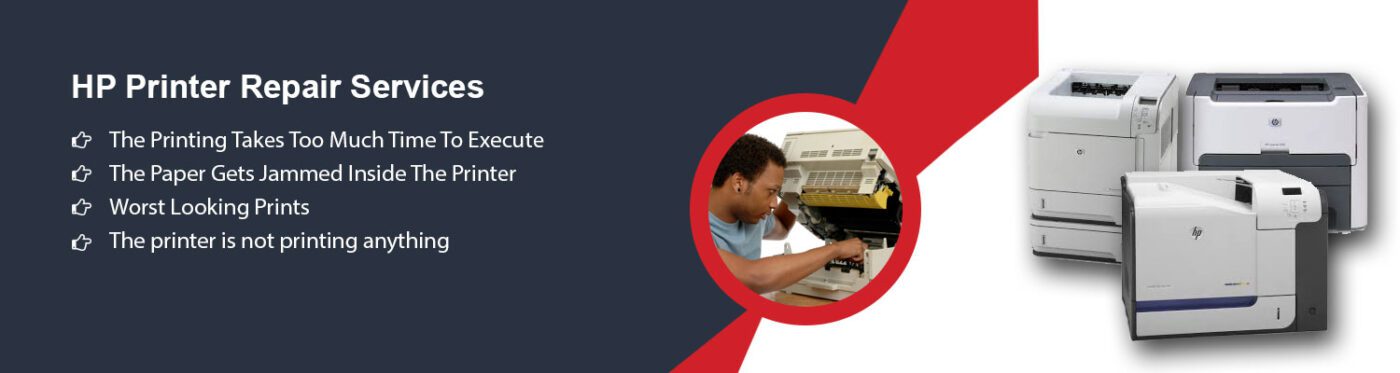
HP Printer Repair in Dubai & Sharjah
Professional HP Printer Repair Services
ZD Computer Trading LLC provides professional HP printer repair in Dubai and Sharjah for homes, offices, schools and businesses. Our technicians diagnose paper jams, error codes, print-quality problems, connectivity faults, slow printing and other hardware or software issues. We support HP LaserJet, DeskJet, OfficeJet and multifunction printers, subject to model and parts availability. Customers can contact us for onsite assessment, troubleshooting, maintenance and repair support.
Our HP Printer Repair Services
HP LaserJet Printer Repair and Service
Our technicians provide HP LaserJet printer diagnosis and repair for paper jams, faded prints, toner errors, connectivity faults, error codes and slow performance. We inspect the printer, identify the cause and explain the available repair options before proceeding. Replacement parts and toner cartridges can be supplied according to the printer model and availability. Support is available for customers in Dubai and Sharjah.
HP Plotter and Toner Support
We provide maintenance and troubleshooting for HP large-format and plotter printers used by engineering, design and architectural businesses. Our technicians inspect paper-feed faults, print-quality problems, connectivity issues and error codes before recommending a repair. Original HP toner cartridges and suitable replacement parts can be supplied according to the printer model and availability. Service support is available across Dubai and Sharjah.

HP Printer Diagnostics and Repairs
Our technicians inspect HP printers to identify hardware, software, paper-feed and connectivity faults. After diagnosis, we explain the issue and recommend the appropriate repair, maintenance or replacement option. Support covers paper jams, error codes, offline printers, print-quality problems, cartridge or toner errors and other common faults. Parts replacement depends on model compatibility and availability. Services are available in Dubai and Sharjah.
Common HP Printer Issues We Resolve
HP printers can develop mechanical, electrical, software and network-related faults in both home and business environments. Our technicians diagnose the cause and recommend suitable repair or maintenance options to restore reliable operation. We also assist with toner and ink-cartridge issues, subject to printer model and product availability.
Common HP printer issues we handle include:
- Persistent paper jams
- Malfunctioning sheet feeders
- Paper tray issues
- Wiring and connectivity problems
- Blocked print heads
- Cartridge or toner errors
- Network connectivity issues
- Roller installation
- Fuser repairs
- Other HP printer faults
HP Printer Paper Jam Repair
Paper jams may result from incorrect paper loading, worn pickup rollers, damaged feed components or debris in the paper path. Our technicians inspect the tray, rollers, sensors and paper path, remove obstructions safely and identify any parts that may require replacement. We also test the printer after service to confirm that paper feeds correctly.
Slow HP Printer Troubleshooting
Slow printing can result from large print files, incorrect driver settings, network delays, memory limitations or printer maintenance issues. We check the connection, print queue, driver, configuration and printer condition to identify the cause and recommend suitable adjustments or repairs.
Printer Not Responding or Offline
An HP printer may appear offline because of network interruptions, outdated drivers, incorrect port settings or a disconnected cable. We check the printer connection, driver, print queue and network configuration, then restore the correct online settings where possible. If hardware repair or replacement parts are required, we explain the available options.
Ink or Toner Cartridge Issues
Streaks, faded prints, or blank pages often indicate cartridge issues. We can help with cleaning, reinstalling, or replacing cartridges as needed to restore print quality.
Print Quality Problems
Blurry, faded or smudged prints may result from clogged printheads, cartridge alignment, toner issues or incorrect settings. Our technicians inspect the printer, identify the cause and recommend cleaning, calibration, cartridge replacement or repair to restore clear print quality.
Wireless Printing Problems
Wireless printing problems may be caused by weak network signals, incorrect Wi-Fi settings, outdated firmware or driver issues. Our technicians check the printer and network configuration, reconnect the device and test wireless printing to restore a reliable connection.
Error Messages or Codes
HP printer error messages or codes may indicate paper-feed, cartridge, fuser, connectivity, firmware or hardware faults. Share the exact code with our team so our technicians can identify the likely cause, inspect the printer and recommend the appropriate troubleshooting or repair.
Compatibility Issues
Compatibility problems may occur after operating-system updates, driver changes or connecting the printer to a new computer or network. Our technicians check the HP printer model, operating system, drivers and connection settings, then configure compatible software or recommend the appropriate solution.
Print Spooler Errors
Print spooler errors can stop documents from printing or leave jobs stuck in the queue. Our technicians check the spooler service, clear failed print jobs, review the printer driver and test the connection to restore normal printing.
Printer Not Detected
If a computer or network cannot detect the HP printer, the cause may be a loose cable, incorrect network settings, an outdated driver or a communication fault. Our technicians check the physical connection, printer status, IP settings and drivers, then test the device to restore connectivity.
Contact ZD Computer Trading for HP Printer Repair
Need HP printer repair in Dubai or Sharjah? Contact ZD Computer Trading LLC for diagnosis, maintenance, troubleshooting and repair support. Share your printer model, error message, location and issue details so our team can review the requirement. Call or WhatsApp 050 886 3312, call +971 4 393 1778, or email info@zdcomputertrading.com for assistance.