)
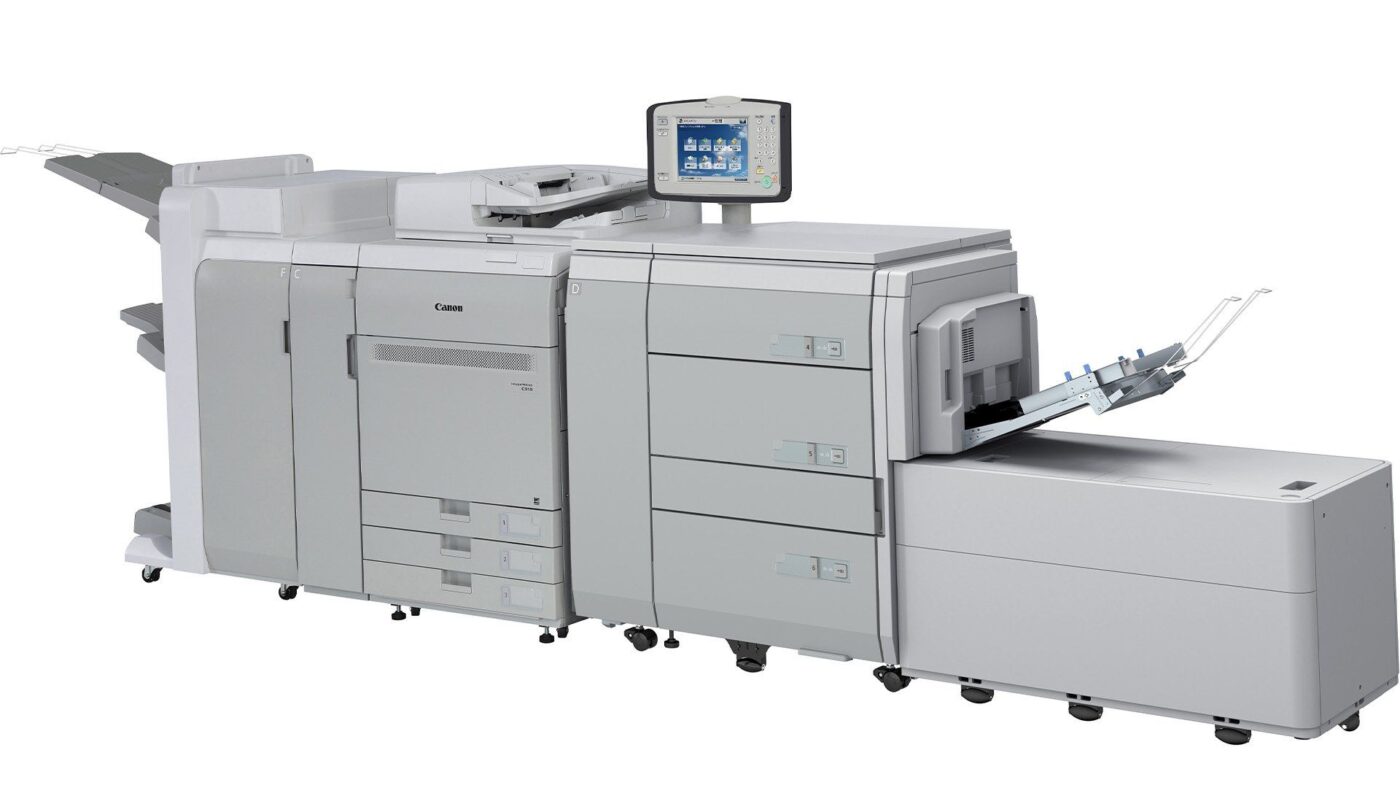
Canon imageRUNNER ADVANCE C5550i II
A3 colour multifunction printer

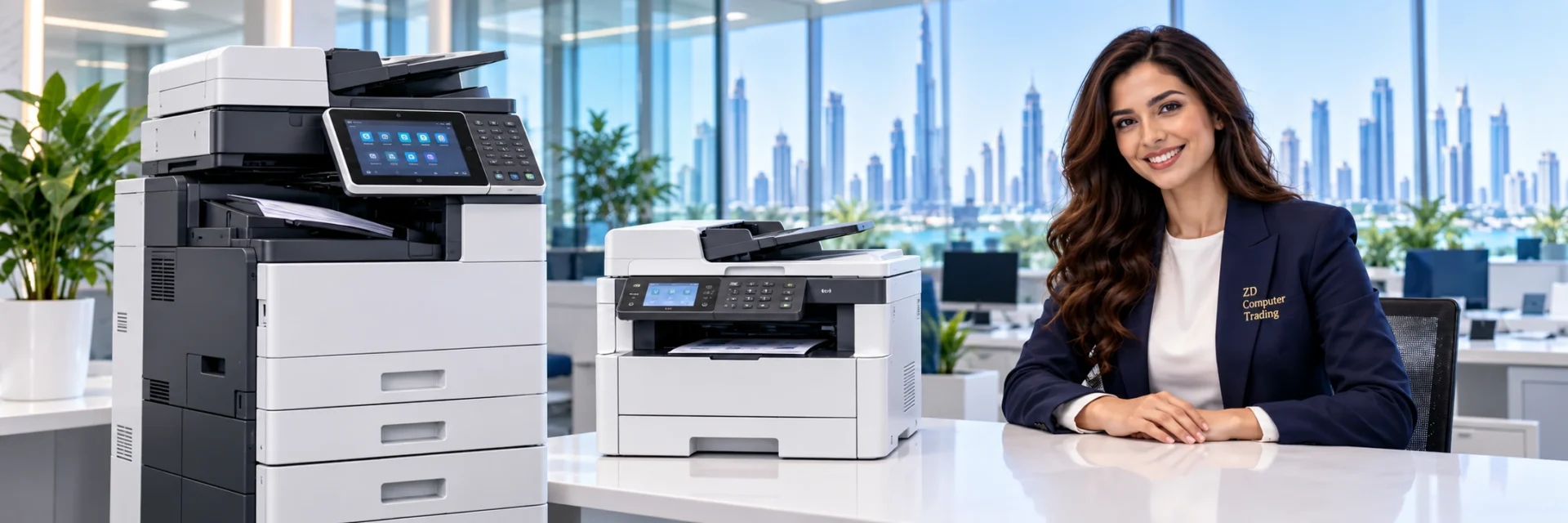


Printer and copier supply, installation, maintenance and repair support for businesses in UAE.
Share your machine model and requirements with our team for service options and a quotation.
Request a QuotationAs a result, Office printers support invoices, reports and other daily work. However, paper jams or poor print quality can interrupt the team. For printer service in UAE, contact ZD Computer Trading comes in. We inspect the printer and explain repair options so you can decide how to proceed.
Moreover, Our technicians assess office printer faults across a range of brands. First, send your model number and a photo or short video of the problem. For urgent requests, ask about same-day availability. After inspection, we confirm the repair scope and cost.
Therefore, We also handle printer maintenance enquiries across UAE. Whether you need a one-off repair or planned support, share your office location and equipment details. Visit times depend on technician and parts availability.
Contact Us NowMeanwhile, Before replacing a faulty printer, consider whether a repair meets your needs. For example, a feed problem may involve a roller rather than the whole machine. Our team inspects the fault and explains the available options. You can then compare the repair quotation with the cost of replacement.
In particular, Here are some of the most common printer problems we fix in UAE:

Paper jams may involve the paper type, tray alignment or worn feed rollers. First, follow the jam-clearing steps in your printer manual. If the fault returns, note where the paper stops and share a photo. Our team can then check the paper path and recommend the required work.
We assess repair requests in UAE for brands including HP, Epson, Canon, Konica Minolta, Brother, Sharp, Ricoh, and many more. However, repair options depend on the exact model, fault and parts availability.
Next, Is your printer taking too long to print? Are your prints coming out faded or with streaks?
Finally, First, check your printer settings to see if you can adjust them for faster printing or better quality. If that doesn’t help, your printer might need a printhead cleaning or adjustment. For example, streaks may involve consumables, cleaning or a component fault. Our team checks the cause before recommending a repair.
Printers can have connection issues, especially when connected to a network. Try restarting your printer and devices, checking for loose cables, or updating drivers. If the problem still happens, it might be a network setting issue.
For wired or wireless connection faults, share your printer model and computer operating system. Our team can then check network settings, driver compatibility and the print queue.
For a printer repair visit, send your UAE address and Google Maps location. We will then confirm the available visit arrangements.
Call Us for Printer RepairAn error code helps narrow down a printer fault. Therefore, send the complete message along with the model number. Also, explain when it appears, such as during startup or while printing. These details also help our team plan the inspection.
Hardware faults can involve paper trays, motors or sensors. For example, repeated feed errors may need a closer inspection of the paper path. Avoid forcing stuck parts. Instead, share the symptoms so our team can assess the fault and quote for suitable work.
Outdated or incompatible drivers can affect printing. First, confirm the printer model and your computer operating system. Then check the manufacturer’s driver options for that combination. If the problem continues, ask our team to review the setup.
We repair all major printer brands in UAE, including HP, Canon, Epson, Brother, Konica Minolta, Samsung, Xerox, Toshiba, and more.
Some faults occur only at certain times. For example, a noise may start when the printer feeds thick paper. Also, note the paper type and the step that triggers the fault. This helps our team assess the problem during inspection.
Before approval, we confirm the replacement part type, compatibility, price and availability in the quotation.
If your printer isn’t printing, the issue might be an outdated driver. Try updating the driver, setting your printer as the default, clearing any print jobs, and restarting the print spooler service. Also, check that your printer is properly connected to your computer. These simple steps can often fix the problem.
If the issue continues, request an inspection. Our team can then explain the findings and quote for printer repair in UAE.
After diagnosis, the quotation identifies the work suitable for your printer.
Depending on the fault, services may include:
Fault Diagnosis: First, our technicians examine your printer to identify the fault.
Component Replacement: Then, with your approval, we replace the quoted faulty parts.
Calibration: Where suitable, we adjust settings and check the printed output.
New Ink Cartridges: New, box-packed ink cartridges selected for your printer model. We do not refill cartridges.
New Toner Cartridges: Alternatively, ask about new toner cartridges; the quotation identifies the original or compatible option.
Printer Cleaning & Maintenance: We also clean suitable components and check their condition.

Printer Installation: We connect the agreed devices and test a sample print.
Printer Setup: We also review paper size, print quality and connection settings.
Printer Troubleshooting: We inspect reported faults and explain the proposed work.
We arrange printer service in UAE. Therefore, share your full address and Google Maps location so we can confirm the visit.
Send the printer model, fault description and a clear photo or short video. Also, include your Trade License or TRN certificate, contact person’s name and working mobile number.
We quote after inspection so the price reflects the reported fault. Before approval, the quotation explains the work, proposed parts and any applicable warranty terms.
No. Instead, we supply new, box-packed cartridges. Ask for original or compatible options for your exact printer model.
Contact ZD Computer Trading LLC on mobile/WhatsApp +971 50 886 3312 or office landline 04 393 1778. Before booking, confirm your service address in UAE.
Browse the selected machines below for supply and support enquiries. For a repair, send your exact model and a photo or short video of the fault.
A3 colour multifunction printer
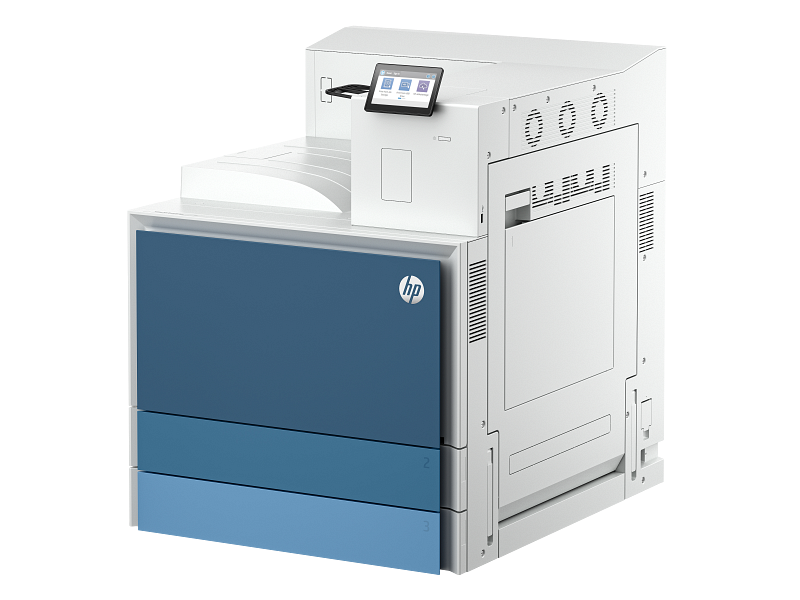
A3 monochrome laser printer
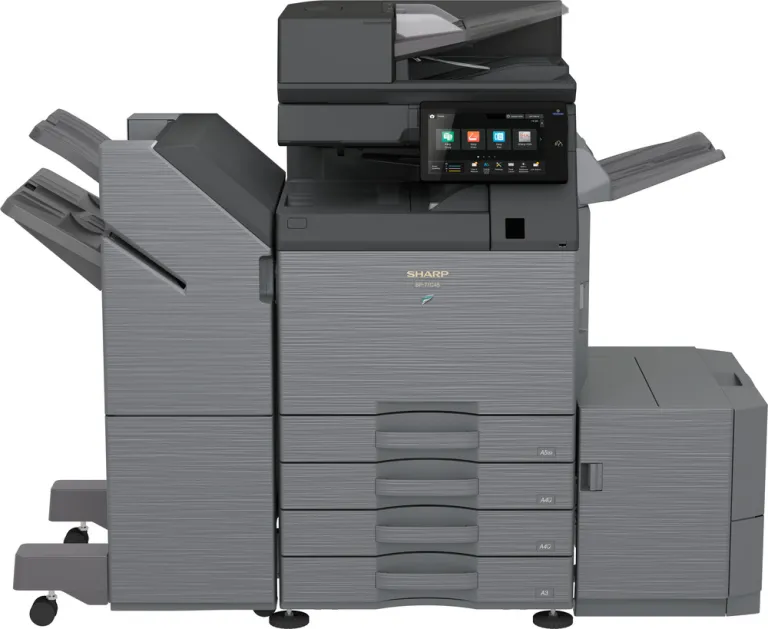
A3 colour multifunction printer
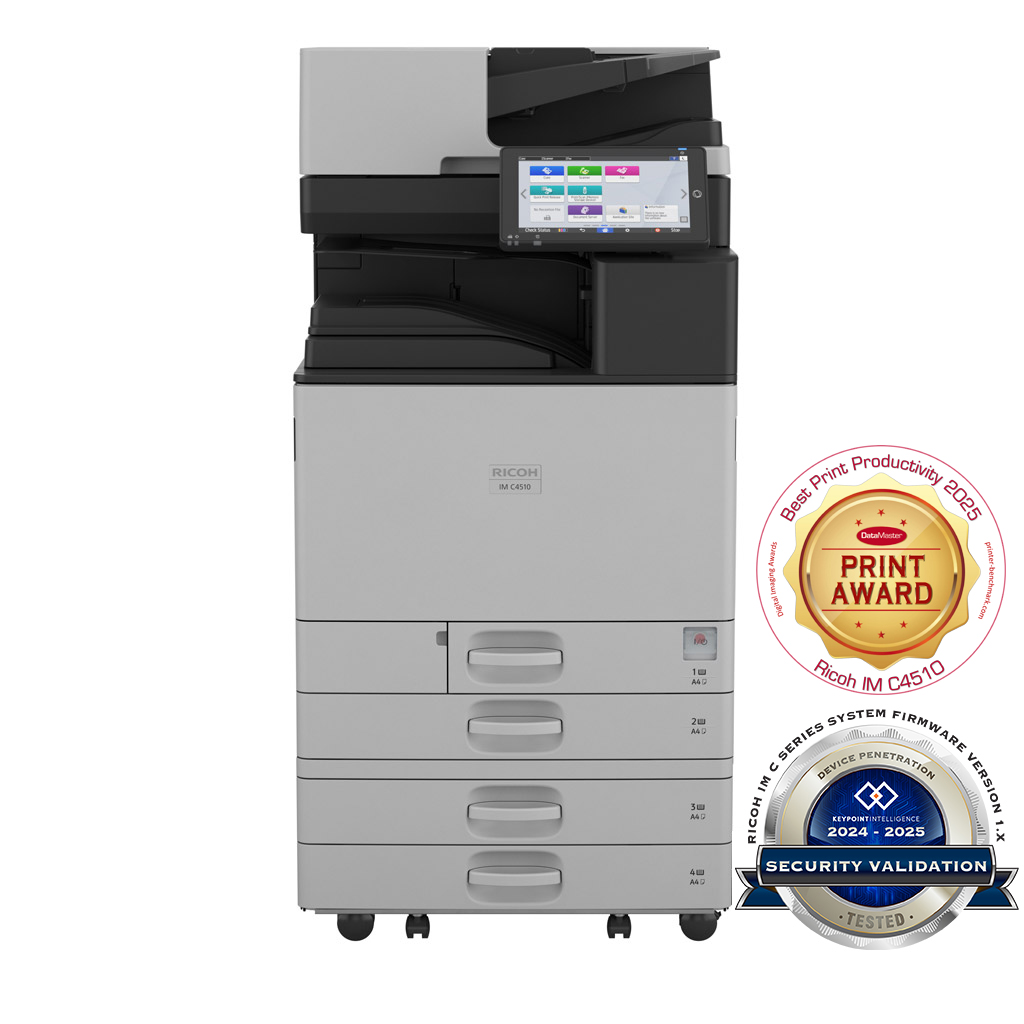
A3 colour multifunction printer

36-inch large-format plotter
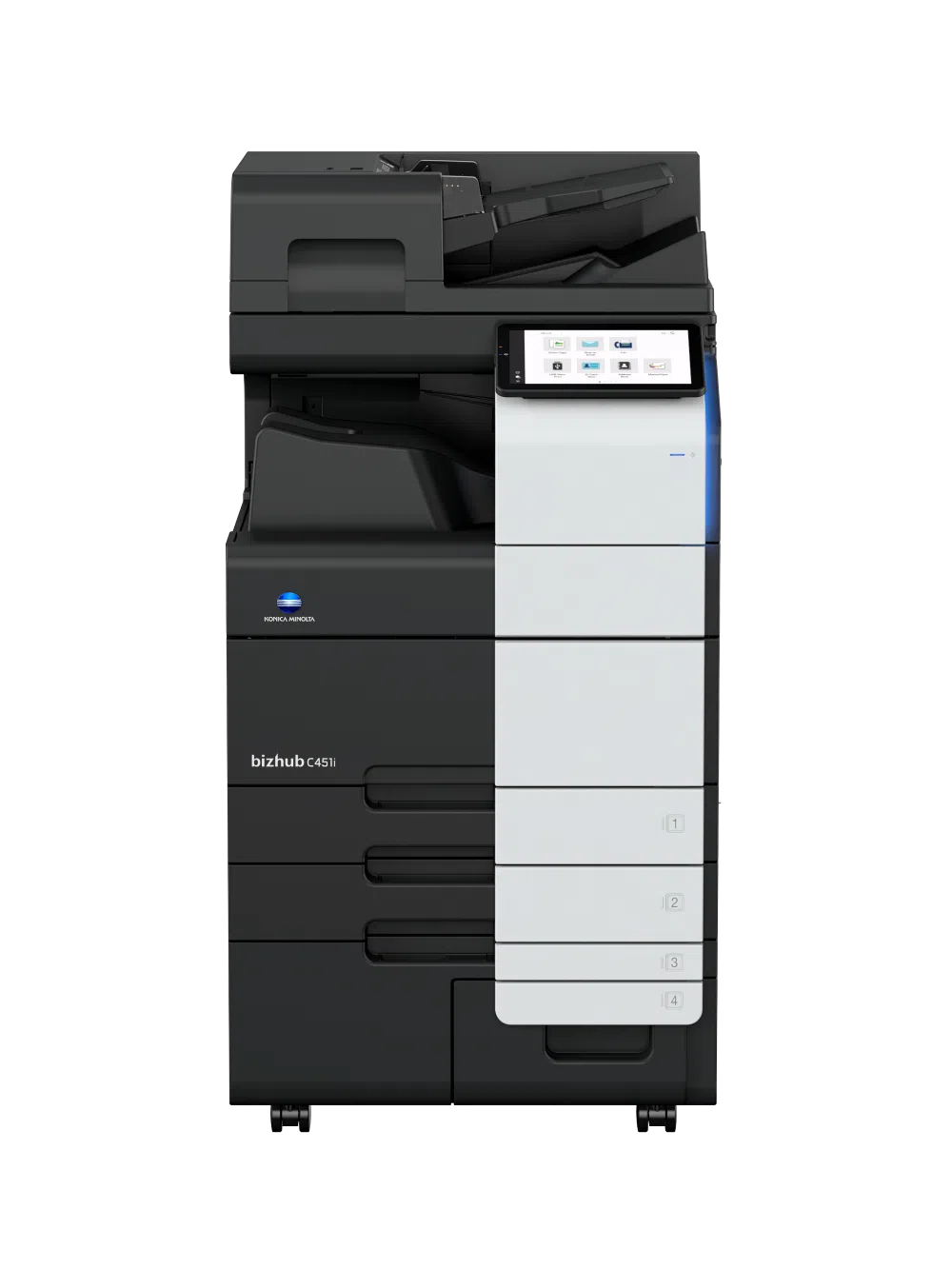
A3 colour multifunction printer

A3 colour multifunction printer

24-inch large-format plotter
These selected models are shown for enquiry. Availability, exact specifications, accessories and pricing are confirmed in your written quotation. Need a different model? Send its model number or a clear photo.
For a business quotation or visit, share your Trade License/TRN details, full address, Google Maps location, contact person’s name and working mobile number. For repairs, send the device model and a photo or short video of the fault. Repair costs are confirmed after inspection.
Mobile / WhatsApp: +971 50 886 3312 Office landline: 04 393 1778