
Uncategorized
HP Printer Service in Dubai & Sharjah: Faults, Diagnosis and Repair
Oct
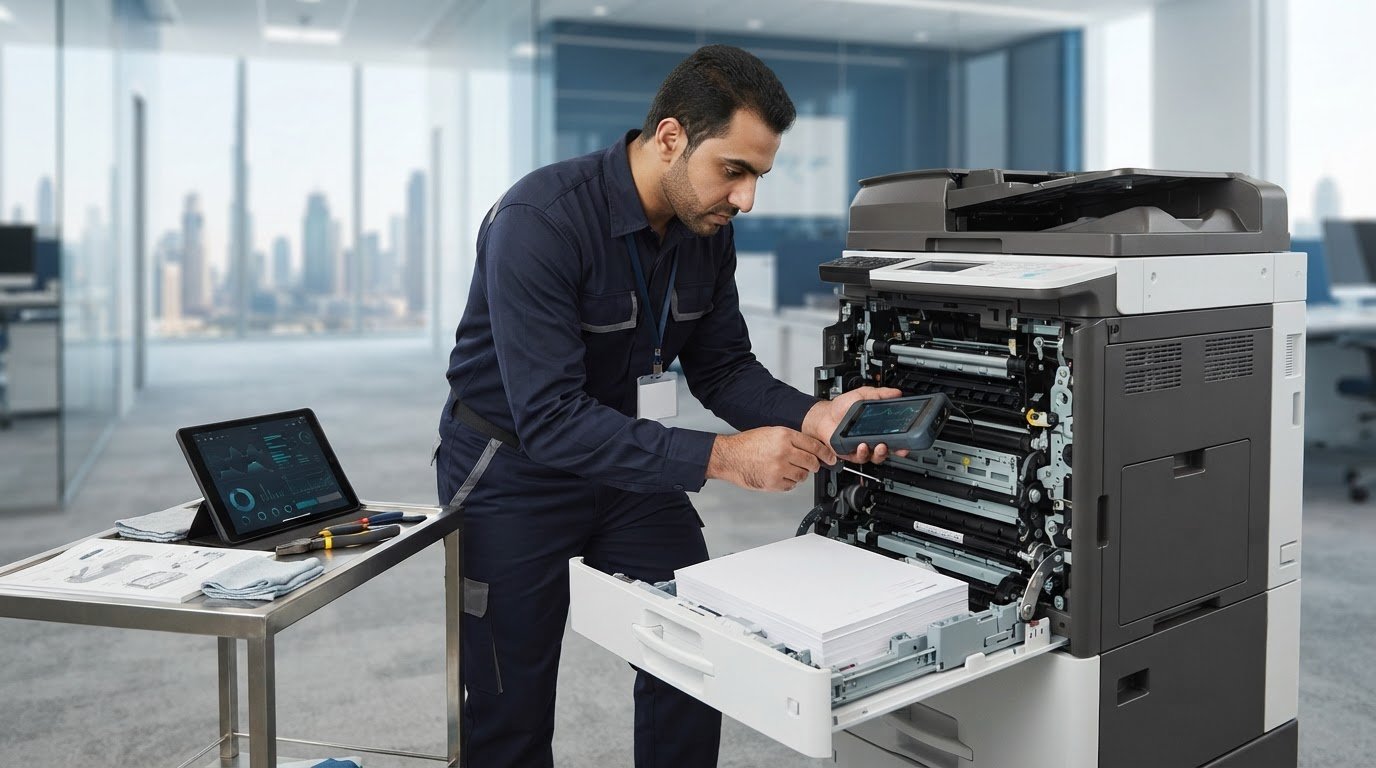
Can a technician identify an HP printer fault without guessing which part to replace? Streaks, recurring paper jams and error messages can have several causes, so the first symptom does not always reveal the repair. A useful HP printer service enquiry starts with the exact model and a clear description of the issue, helping focus the assessment before repair work is planned.
For businesses in Dubai and Sharjah, a printer fault can interrupt routine office work and leave staff unsure what to do next. This article explains which symptoms to record, what details to share when requesting service and how to prepare for a repair enquiry.
You will also learn how to capture the printer’s model information and the fault in a clear photo or short video. With useful evidence and a model-specific assessment, you can discuss the repair scope more confidently and make an informed decision about your HP printer.
Key Takeaways
- Treat jams, unclear output, unusual noise and error messages as clues, not proof that a specific component has failed.
- Print-quality issues, paper-feed problems and device alerts call for different checks, so the exact HP model matters.
- For a useful service enquiry, note the full error text, when the fault occurs and the connection type if connectivity is involved.
- ZD Computer Trading LLC provides HP printer repair and spare-parts support for businesses in Dubai and Sharjah.
When Does an HP Printer Need Professional Service?
Repeated paper jams, unclear output, unusual noise and persistent error messages can interrupt office work, but a symptom alone does not identify the failed component. A single jam or poor print may be an isolated issue. If it returns across print jobs or continues after the immediate problem has passed, record the pattern rather than guessing at the cause. Avoid replacing parts based only on what a symptom seems to suggest.
Professional servicing means assessing the reported fault against the specific printer model before planning repair work. Assessment steps can vary between HP devices, so include the full model information when you request service.
ZD Computer Trading LLC provides HP printer repair and relevant spare-parts support for businesses in Dubai and Sharjah. Sharing the model and a precise description of the fault helps make your printer repair and spare-parts enquiry more useful.
Which HP printer symptoms should an office record?
Note when the issue began, how often it happens and which print jobs trigger it, such as a particular document or a larger batch. Copy the exact error text, including any displayed code, and record whether it appears before printing starts or while a job is underway. If a page jams, note where it stops if that is visible without opening internal areas. These details help describe the pattern without assuming what caused it.
When should staff stop repeated print attempts?
Pause printing if jams recur, the machine makes an abnormal sound or output quality keeps worsening. Repeated attempts may disrupt work without clarifying the cause. Follow the instructions for the specific model when clearing an accessible jam, and do not force paper or handle internal components. Record what happened and share the details with the service team.
How HP Printer Fault Diagnosis Separates Symptoms from Causes
A useful assessment starts with observations rather than treating the first visible symptom as a parts diagnosis. The printer model and reported behaviour help guide which areas to inspect. A faded page, a sheet that repeatedly misfeeds and a device alert are different problems and should not automatically be attributed to the same cause.
The exact model and clear fault evidence help focus an assessment on what the printer is doing, rather than on assumptions about which component has failed. A print-quality complaint may lead to checks of toner or other print-related areas. A feed issue may call for attention to paper movement and rollers. Fuser components may also be considered when the symptoms point that way, but none of these is a predetermined cause.
- Confirm the model and describe the reported fault.
- Record when the symptom occurs and whether it repeats across different jobs.
- Assess the relevant areas before deciding whether repair or a replacement part is appropriate.
Suitable paper and model-specific maintenance can support reliable operation. HP’s LaserJet print-quality troubleshooting guidance describes how paper, supply, settings and component checks can help narrow down a fault. These instructions apply to the listed LaserJet models; an inkjet printer needs its own model-specific guidance.
What does a model-specific HP printer assessment involve?
The reported symptom should be compared with the printer’s observed behaviour. For example, if printing repeatedly stops as paper feeds, describe where the interruption occurs instead of assuming that a print-quality component is at fault. The point where a job stops, the appearance of the output and any displayed alert are useful observations to include in the enquiry.
When might HP printer spare parts be relevant?
A replacement part is relevant when the assessment supports that repair route, not simply because a symptom can be associated with it. ZD Computer Trading LLC provides HP printer repair and spare-parts support for businesses in Dubai and Sharjah. If you are ready to share the model and fault evidence, send a repair enquiry.
How to Prepare for HP Printer Service in Dubai or Sharjah
A clear repair enquiry gives the service team practical details to assess the reported issue. Before requesting HP printer service, gather the information below and keep it together so the model, symptoms and office requirements are easy to review.
What should a repair enquiry include?
Include the exact HP model and useful evidence of the fault. Describe what happens and when, rather than guessing which component is responsible.
- Exact model: Record the printer’s full model name or number as shown on the device.
- Photo or short video: Capture the displayed message, unclear output or visible issue clearly.
- Error text: Copy the full message and note whether it appears before printing or during a job.
- Fault description: Summarise when the issue occurs, how often it happens and what staff have observed so far.
- Connection type: If the complaint involves sending or receiving print jobs, note whether the printer connects by USB or network.
For example, state whether the fault occurs with every job or only when a particular workstation sends a print request. This distinction describes the behaviour without assuming its cause.
How should businesses prepare for an onsite service enquiry?
For a business quotation or onsite visit in Dubai or Sharjah, include copies of the Trade License and TRN certificate (if your company is VAT-registered), the complete office address and a Google Maps location. Add the contact person’s name and mobile number so the site and enquiry can be identified clearly. Provide the printer model and a photo or video of the issue with these details.
ZD Computer Trading LLC provides office-technology repair and maintenance, including HP printer service. For enquiries, contact the team on mobile/WhatsApp at +971 50 886 3312 or the office landline at +971 4 393 1778.
HP Printer Service from ZD Computer Trading in Dubai and Sharjah
ZD Computer Trading LLC is a UAE office-technology sales, installation, maintenance and repair company serving business customers in Dubai and Sharjah. Its HP printer repair and spare-parts support takes the specific printer model and reported fault into account, helping establish a relevant repair scope before parts are considered.
Businesses can review ZD Computer Trading LLC’s printer repair reference for practical repair and maintenance information. If a fault points to a component replacement, printer spare-parts repair and service connects the assessment with relevant parts support. Neither the initial symptom nor the model alone determines the repair outcome. The observed evidence helps inform the next step.
What can business customers include in a service request?
For an HP printer service enquiry, provide the exact printer model and a clear photo or short video of the fault. Add the displayed error text, when the issue occurs and what staff have already observed. This gives the assessment a useful starting point and keeps the enquiry focused on the device’s behaviour.
For a business quotation or onsite visit, include copies of the Trade License and TRN certificate (if your company is VAT-registered), the complete office address, a Google Maps location, and the contact person’s name and mobile number. These details identify the business location and provide a reachable point of contact for the request.
How can repair and spare-parts support fit office needs?
A model- and symptom-led assessment helps distinguish the reported problem from assumptions about its cause. That makes it easier to discuss a repair scope suited to the fault, including relevant spare-parts support where the assessment indicates it. ZD Computer Trading LLC provides HP printer repair for businesses in Dubai and Sharjah as part of its office-technology services.
Contact ZD Computer Trading LLC on mobile/WhatsApp at +971 50 886 3312 or the office landline at +971 4 393 1778.
Make Your Next Printer Issue Easier to Assess
A printer fault does not have to begin with guesswork. Treat the service request as a clear handover: explain what the device is doing, what your team has observed and how the issue affects office work. That gives the enquiry a useful starting point and keeps the discussion focused on a practical repair scope rather than assumptions about parts or outcomes.
For businesses planning HP printer service, a precise request can help distinguish an isolated interruption from a fault that needs closer assessment. Keep the model details and evidence together so they are ready when the issue is reported. A well-prepared enquiry supports an informed conversation about the appropriate next step.
Dubai and Sharjah businesses can reach ZD Computer Trading LLC on mobile/WhatsApp at +971 50 886 3312 or the office landline at +971 4 393 1778 to discuss a service request.
Request a Service Quote
Clear information is a practical first step toward getting your office printer issue assessed with confidence.
Frequently Asked Questions
What does HP printer service include?
HP printer service can include assessment, repair and relevant spare-parts support, depending on the printer model and what the fault examination finds. The appropriate scope varies: a device alert may call for different checks than a paper-feed or print-quality concern. For an office, keeping a brief record of completed work and recurring symptoms helps staff explain changes over time.
Why is my HP printer printing streaks or faded pages?
Streaks or faded pages can be associated with ink or toner supplies (depending on the model), print settings, paper or internal print components, so the appearance alone does not identify the cause. Keep a sample page and note whether the marks recur in the same place or affect every print job. This evidence can help distinguish a consistent device issue from a problem limited to a particular file or setting.
Can an HP printer be repaired if it keeps jamming?
Recurring jams may be repairable, but the cause needs to be assessed on the specific printer. Note whether sheets stop at the same point, whether the issue happens with different print jobs and whether it began after a paper change. Follow the device’s user guidance for clearing an accessible jam, and avoid forcing paper or reaching into internal areas.
How often should an HP office printer receive servicing?
There is no single servicing interval that suits every office printer. Consider the model’s maintenance guidance, how heavily the device is used and whether recurring faults or declining output appear between checks. A simple log of print issues and previous service can help an office manager spot a changing pattern and plan an assessment before the printer becomes a repeated source of disruption.
Service information
This article provides general information. Diagnosis, parts availability, pricing, warranty and repair options depend on the device model, condition, inspection findings and service location. Contact ZD Computer Trading LLC for a confirmed assessment and quotation.
