
IP Phones
Moving 50 Office IP Phones? How to Keep Extensions and Reception Calls Working
Nov
When 50 people move desks, the first call worth testing is the one a customer makes to reception. Can the receptionist transfer it to the right colleague at their new seat? A handset can power up and show an extension while the old desk still rings. A move sheet and a short call test at each desk can catch that before the team starts work.
Decide what moves with the employee
Take sales extension 214 as an example. If the salesperson changes seats and keeps 214, colleagues should still be able to dial the number they know. Reception may work differently. If two receptionists swap shifts or desks, the business may want the main number to keep ringing the reception position. Agree which numbers belong to people and which belong to roles before anyone unplugs a phone.
Give each handset a row on the move sheet. Record its current extension, employee or role, handset identifier, old desk and new desk socket. Add columns for the expected caller name and test result. Label each handset and its destination while the old layout is still in place. Two identical phones in the same packing box are difficult to tell apart later.
Prove the first desk before moving a whole row
Have the installer trace the new wall socket to its switch port and confirm that the phone has the power and network connection it needs. A desk with a working computer still needs checking if the handset relies on Power over Ethernet (PoE). Once the phone starts, check that it registers with the office phone system, or PBX, under the expected extension.
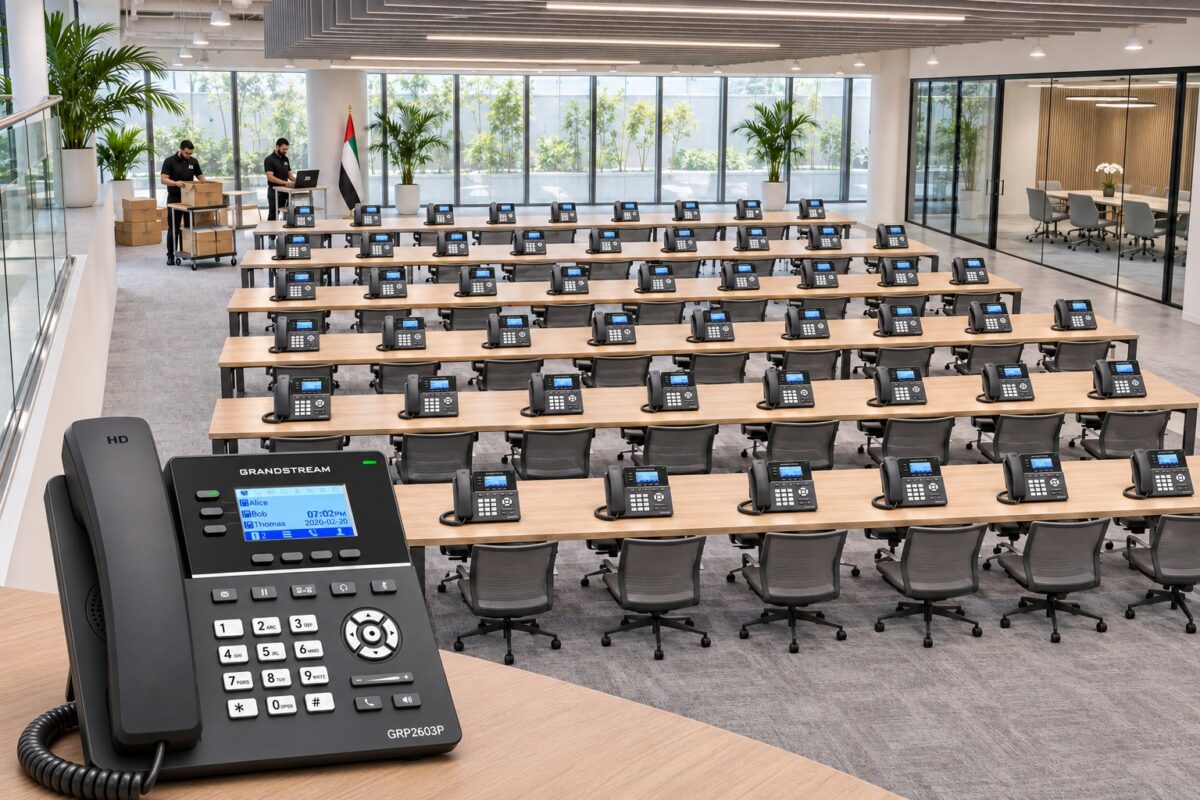
The Grandstream GRP2603P shown in the banner is a three-line desk phone with built-in Power over Ethernet. If you are installing these phones alongside existing handsets, mark each desk as a move or a replacement. That tells the installer whether to reconnect the employee’s handset or configure a new one. Grandstream GRP2603P product details.
Test the calls the team actually handles
Call out from the moved desk. Dial reception. Ask which name and extension appeared, and have both people speak. Then ask reception to call the extension back. Watch which physical handset rings, especially if the old phone is still connected.
Follow a customer call all the way through. Call the main office number from a mobile. Ask reception to transfer you to the moved employee. Confirm that the right person answers and both sides can hear. If the department shares incoming calls across several phones, let one call go unanswered and check where it goes next. Reception staff can also use our office call transfer guide.
Record the result before moving on. A note such as “214 can call out, but return calls ring the old sales desk” gives the installer a specific fault to trace. Repeat the same tests for the remaining desks in small batches, keeping reception available while other departments move.
Arranging an office phone move in Dubai or Sharjah
ZD Computer Trading LLC provides onsite IP phone and PBX installation and configuration in Dubai and Sharjah. To arrange a quotation, send your company name, trade licence and TRN certificate, office address and map pin, and contact person’s name and mobile number. Include the number of phones, the PBX model if known, and how many desks are moving or receiving new handsets.
