
IP Phones
IP Phone Call Transfer: Reception Desk Guide for UAE Offices
Nov
IP phone call transfer helps a receptionist connect a caller to the right colleague without asking them to dial again. For UAE offices, a good setup combines clear extension names, a suitable transfer method and a tested plan for unanswered calls. The phone alone cannot decide how your team should handle every enquiry.
Choose the right IP phone call transfer method
Attended transfer lets the receptionist speak to the receiving colleague before connecting the caller. The original caller waits on hold during that conversation. This is useful when a sales enquiry needs context or a service request must reach someone who is available.
Blind transfer sends the call to the destination without that preliminary conversation. It can suit a familiar internal destination, but your team should know what happens if nobody answers. Yeastar documents both methods; the exact controls depend on the phone, client and PBX configuration.
Write a simple reception call-handling plan
Start with the questions your receptionist receives every day. List a primary destination and a backup for sales, accounts, deliveries and technical support. Then agree who owns a callback when the intended person is away.
For example, a delivery driver calls reception about an arriving shipment. The receptionist checks the operations extension, briefly explains the delivery to the colleague and completes an attended transfer once they agree to take it. If operations cannot answer, reception returns to the caller and takes the agreed message instead.
This is an example workflow, not a description of a particular customer installation. Your office should adapt it to its opening hours and staffing.
Set up names and keys that staff can recognise
Keep a short extension directory beside the reception phone. Use clear names such as Accounts or Operations, and update it when staff move. Where supported, ask your installer to configure suitable speed-dial or extension-status keys and demonstrate their meaning.
A lit key should not replace an agreed process. Staff need to understand what each indicator means on their particular system. Test the actual handset and software combination before relying on a feature during customer calls.
Plan what happens when nobody answers
Ask your installer to demonstrate busy, unanswered and unavailable destinations. On supported Yeastar P-Series configurations, transfer bounce back can return an unanswered blind or semi-attended transfer to the person who transferred it when the feature is enabled. Do not assume it is already active.
Agree an appropriate fallback for your office, such as reception, another staffed destination or voicemail where configured. Also decide what should happen after business hours. Keep these arrangements documented so a replacement receptionist can follow them.
Test IP phone call transfer before handover
- Call the office from an external phone and confirm reception can hear and be heard.
- Complete an attended transfer and check that the receiving colleague hears the introduction.
- Complete a blind transfer to an available extension.
- Repeat with a destination that does not answer and confirm the agreed fallback.
- Check that reception can recover the original caller when a consultation is cancelled.
- Test the agreed after-hours route and record the result.
Use test calls with staff present. Note the time, originating number and destination if a test fails. A clear example helps the engineer reproduce the problem without changing several settings at once.
What to send before requesting a quotation
Share your current PBX and phone models, number of users, reception positions and telephone-line type. Explain the call-handling problem and whether you need new equipment, configuration or staff training. Include the company name, Trade License/TRN details, office address and Google Maps location, plus a contact name and mobile number.
ZD Computer Trading can review your IP phone and PBX requirements and confirm the scope in a quotation. Onsite work is available in Dubai and Sharjah, subject to assessment and scheduling. Cabling, network equipment and any recurring services should be identified separately in the agreed scope.
For related planning, read our guide to simultaneous office PBX calls.
Discuss your reception setup: WhatsApp +971 50 886 3312 or call 04 393 1778.
Frequently asked questions
Is call transfer the same as call forwarding?
Transfer moves a call you are already handling. Forwarding routes calls according to configured rules. Ask your installer to demonstrate both on your system.
Are transfer buttons identical on every IP phone?
No. Button labels and steps vary by handset, software and configuration. Keep a short guide for the actual models your staff use.
Will an unanswered transfer always return to reception?
No. The result depends on the PBX settings and destination. Test it explicitly during handover.
Manufacturer references
Yeastar: Transfer a call
Yeastar: Set up call transfer
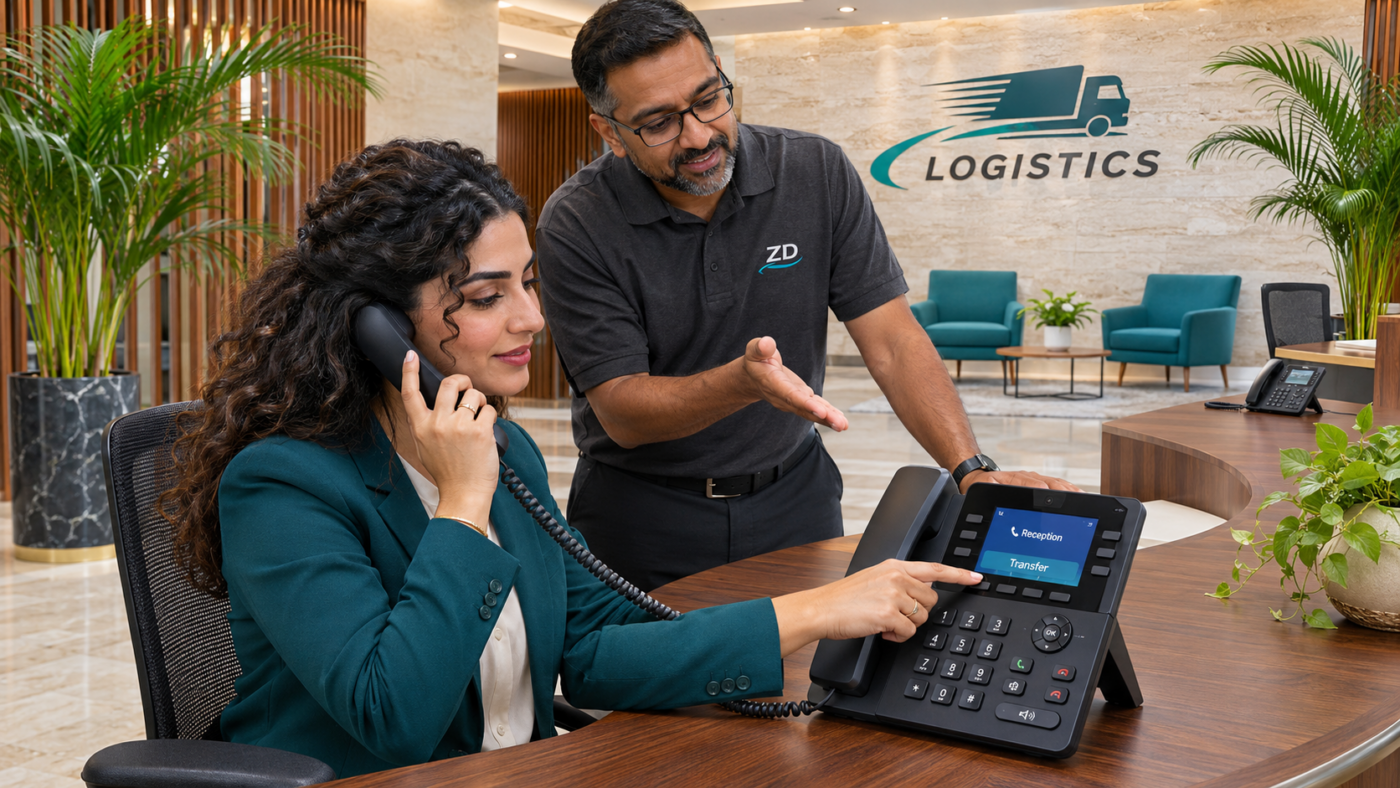
References checked on 3 November 2026. Banner is an illustrative reception scene.
