
Uncategorized
Printer Paper Tray or ADF Fault? Repair Checks for Dubai and Sharjah Offices
Nov
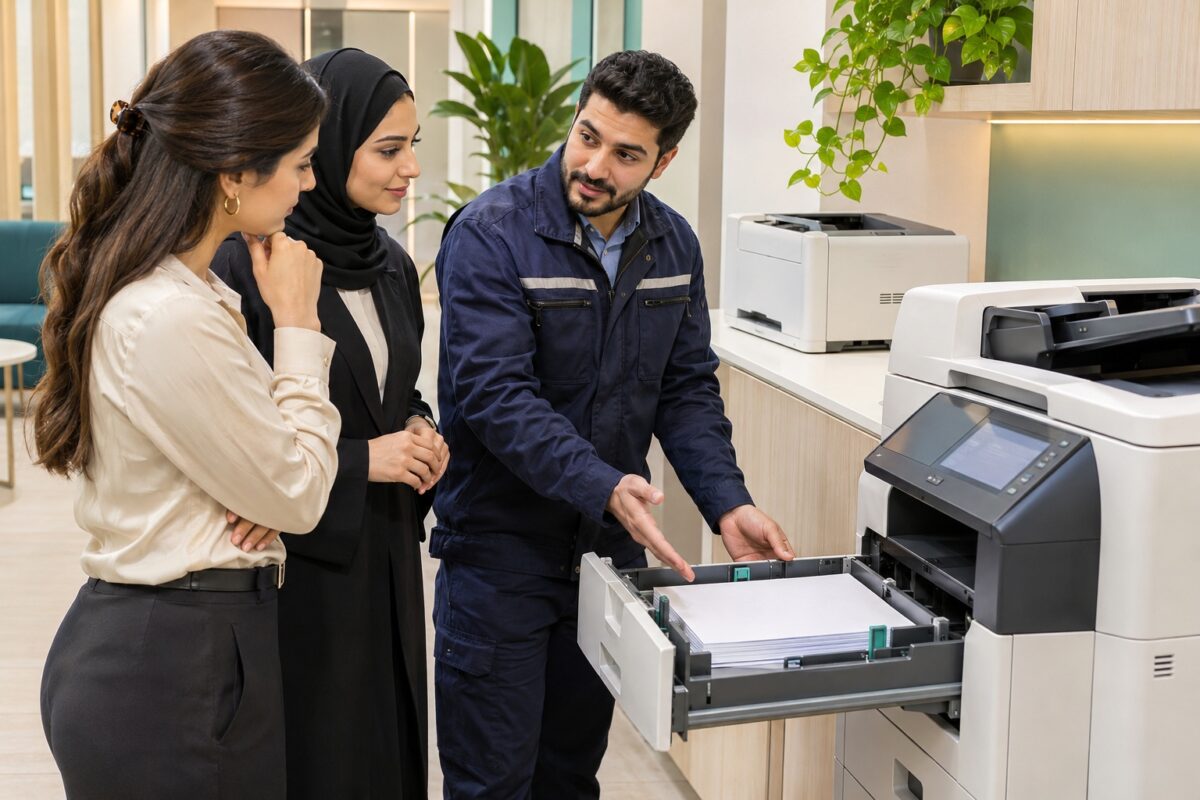
When an office printer stops feeding paper, the most useful first detail is where the problem happens. Does a blank sheet fail to leave the paper tray, or does an original document stop in the feeder on top? Recording that difference helps you explain the fault clearly when booking printer repair in Dubai or Sharjah.
Paper tray or document feeder: identify the affected job
The paper tray supplies blank sheets for printing. The automatic document feeder, often called the ADF, moves original documents for scanning or copying. Note whether the fault occurs during computer printing, copying from the scanner glass, or feeding originals through the ADF. These observations help narrow the inspection; they do not prove that a particular roller or part needs replacing.
For example, if computer printing works but a multi-page scan stops at the top feeder, report that exact pattern. If every printed job stops at the same tray, record the tray number and the message on the display. Avoid repeatedly running a job that is tearing paper or making an unusual mechanical noise.
Check the paper and tray setup first
Use paper supported by your printer model. Replace bent, curled or damaged sheets with a small stack of clean, flat paper, keep the stack below the tray’s maximum-fill mark, and position the guides against its edges without squeezing it. Check that the selected paper size and type match what is loaded. Do not add or remove sheets while the machine is printing.
HP’s model-specific support guidance highlights paper suitability, correctly positioned guides and avoiding overfilled trays. Follow your own model’s manual for the exact loading and jam-removal procedure; instructions for another printer may not apply.
Clear accessible jams safely
Cancel the job and follow the printer’s displayed instructions and user guide. Before reaching into the paper path, follow the manufacturer’s power-off and cooling instructions. Do not force covers, use sharp tools, or pull against resistance. Internal components can be hot, and torn paper can remain out of sight. If the sheet cannot be removed using the documented procedure, leave the repair to a technician.
Prepare a useful repair request
Send a clear photo of the complete printer and its model label, a readable photo of the display message, and a short video showing the fault from outside the machine. Please hide confidential documents, passwords and network details. Tell us which tray or feeder is affected, whether the problem happens every time, and whether different paper makes a difference.
A service inspection may be needed when the same fault returns after correct loading, sheets repeatedly skew or feed together, or the printer reports a jam with no visible sheet. Replacement parts and the repair scope should be confirmed after diagnosis.
Printer repair support in Dubai and Sharjah
ZD Computer Trading LLC provides printer repair support, with onsite visits in Dubai and Sharjah by arrangement. To request an official quotation, share your company name, trade licence or TRN copy, office address and Google Maps location, contact person’s name and UAE mobile number, together with the printer details.
For service enquiries, email info@zdcomputertrading.com. You can also read our printer offline checklist if the issue is connectivity, or explore printer rental planning for new offices.
Manufacturer reference: HP paper-tray jam guidance. Always use the instructions for your exact model.
