
Uncategorized
Canon C-EXV 28 or C-EXV 29? A toner guide for offices in Dubai and Sharjah
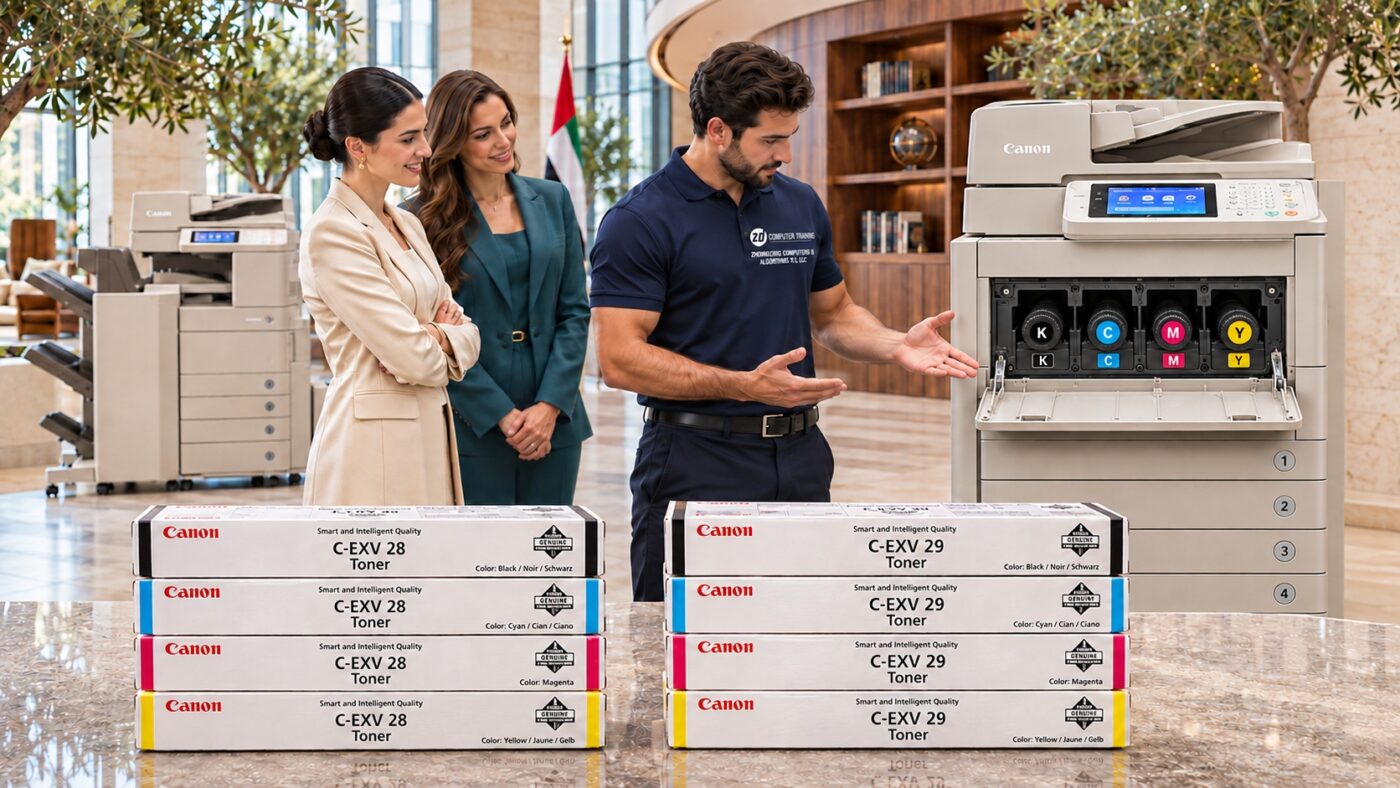
Nov
Your copier asks for cyan toner just as the team needs to print a colour proposal. Purchasing has last month’s invoice for a Canon C5250i, but the machine beside you says C5240i. That single digit changes the order. The C5250i takes C-EXV 28 cyan. The C5240i takes C-EXV 29 cyan.
Which toner fits your Canon imageRUNNER ADVANCE?
Read the full model number from the copier itself. Canon lists the following combinations in its C5200-series consumables guide.
| Model on your copier | Genuine Canon toner family |
|---|---|
| C5250, C5250i, C5255, C5255i | C-EXV 28 |
| C5235i, C5240i | C-EXV 29 |
Both families have separate black, cyan, magenta and yellow cartridges. If the display asks for cyan, you can request cyan on its own. If two machines share a supply cupboard, label each spare with the copier model and colour so the next person can pick the correct box.
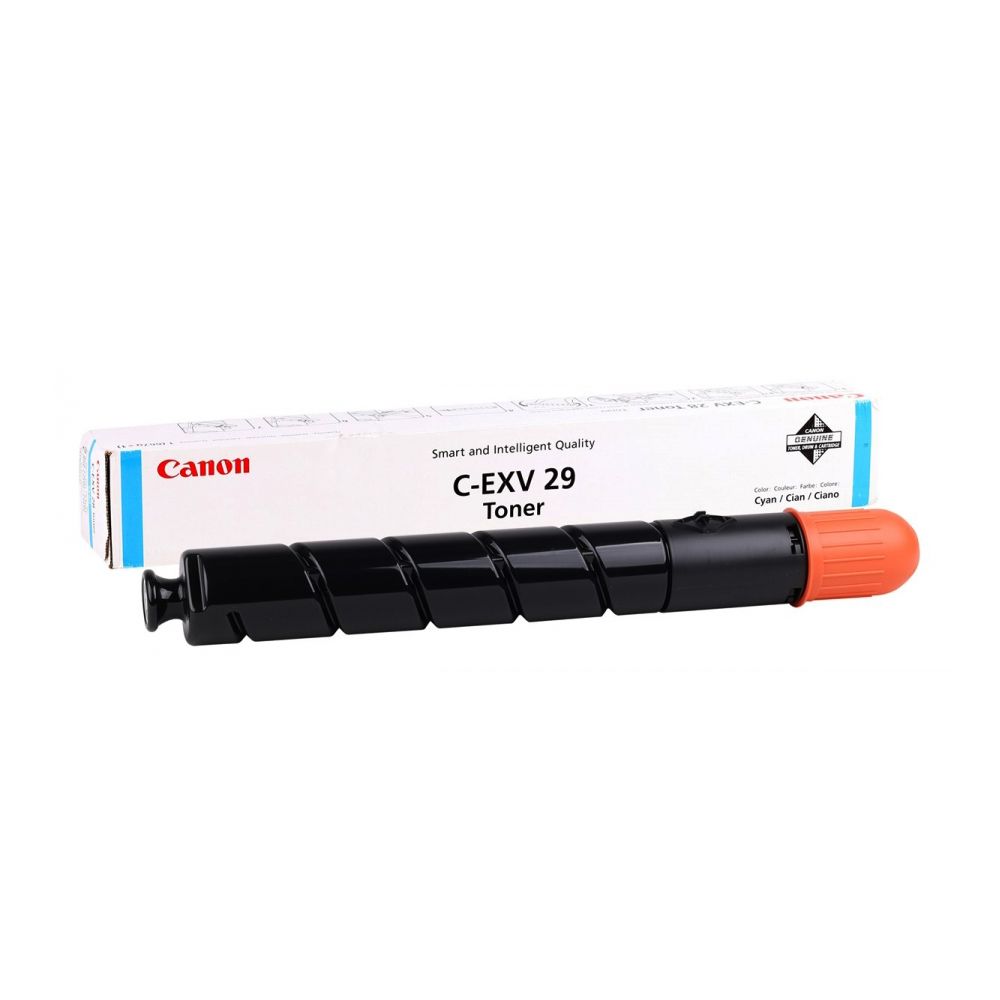
Read three details before you open a new cartridge
Start at the machine. Write down the model exactly as it appears on the front badge, including the final letter if present. A computer’s print menu can show a shared queue name such as “Reception Colour”. That name is useful for finding the printer, but it tells purchasing very little about which cartridge to buy.
Read the colour on the display. K means black, C means cyan, M means magenta and Y means yellow. If reception sends a message saying “blue toner”, ask for a photo of the screen so the purchase request records the manufacturer’s colour name. In the banner, the small round sticker identifies the individual bottle and the rectangular marking identifies its position in the machine. A cyan marking identifies the colour only. You still need the C-EXV number to choose the right family.
Check the unopened box. Read the C-EXV number and the printed colour name together. For example, a box labelled C-EXV 28 Cyan and a box labelled C-EXV 29 Cyan both have cyan markings. Only the first one matches a C5250i. Leave the package sealed while you check any discrepancy with the supplier.
One office, two Canon copiers: how to write the order
Suppose reception has a C5240i asking for magenta, while accounts has a C5250i asking for black. A request for “two Canon toners” leaves both the model and colour open to interpretation. Put each requirement on its own line so the supplier can quote and deliver the right items.
- Reception: Canon imageRUNNER ADVANCE C5240i, C-EXV 29 Magenta, one cartridge.
- Accounts: Canon imageRUNNER ADVANCE C5250i, C-EXV 28 Black, one cartridge.
When the delivery arrives, compare each carton with its line on the order before sending it to the department. If you need a full set, write “one each of black, cyan, magenta and yellow” and specify the family. That wording also helps you compare a four-cartridge quotation with a price for a single colour.
Does a faded page mean the copier needs toner?
Check what the display actually says. A replacement message that names a colour gives you a specific cartridge to order. A streak down the same edge of every page gives you a symptom to investigate. If there is no toner warning, send a sample print and a photo of the display to our printer repair team before buying a cartridge to fix the streak.
How many spare cartridges should an office keep?
Use your own replacement history. Record the machine, colour and date each time someone opens a new bottle. An accounts team printing mostly text may use black at a different pace from a design team printing colour proposals. After several replacements, the log will show which colour to reorder first and help avoid buying full sets while unused colours build up in the cupboard.
Keep spare cartridges in their original cartons in a cool place away from direct sunlight. Put the model or department name on the shelf so that a colleague covering another shift can pick the right box. If the machine reports a different consumable, such as the waste toner container, send the exact wording of that message before ordering.
Request a Canon toner quotation in Dubai or Sharjah
Send ZD Computer Trading LLC a photo of the model label, the colour shown on the display and the quantity you need. If you have the old box, a clear photo of its product code helps us cross-check the order. Here is an example your purchasing team can copy.
We need two genuine Canon C-EXV 28 cyan toner cartridges for an imageRUNNER ADVANCE C5250i in Sharjah. Please confirm availability, delivery timing and price.
For a formal quotation, email your company name, trade licence or TRN copy, office address and map location, and your contact person’s name and UAE mobile number to info@zdcomputertrading.com. You can also browse our toner and ink cartridge range.
Model reference: Canon imageRUNNER ADVANCE consumables guide.
