
Printer Repair
HP Printer Won’t Turn On? What to Check Before Booking a Repair
Nov
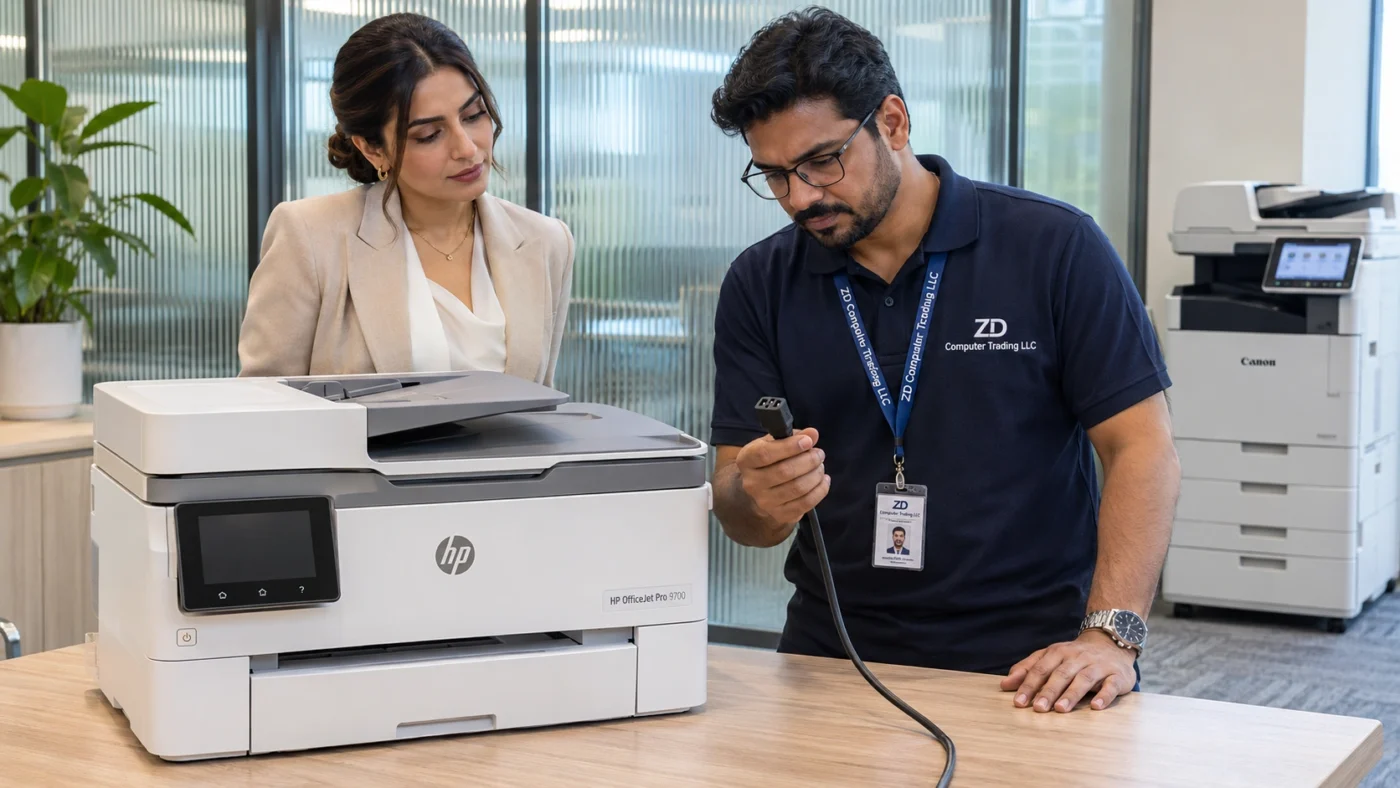
Press the power button once and watch what happens. Does the button light up? Do you hear the printer move? Does the HP logo appear for a moment and then disappear? If you are calling about an office printer that won’t turn on, those first few seconds are worth describing. They help a technician decide where to start.
What happens when you press Power?
No light or sound. If the printer was recently moved, check that its original power cable is seated at both ends and that the wall socket is switched on. A monitor working at the next desk tells you very little about the socket supplying the printer.
The screen stays black, but the printer makes its usual startup sounds. If you can still print a one-page document from a computer, mention that when you call. A printer that produces a page is receiving power, and the technician can focus first on the blank control panel.
The logo appears, then the printer goes dark. Note roughly how many seconds pass and whether the power light goes out as well. If the logo stays on and the printer never reaches its home screen, report that detail too. A short video captures the sequence better than a photograph of the dark screen afterwards.
Try one power reset
If the cable and plug look undamaged and the printer is idle, turn it off if it responds. Unplug it from the power source for 60 seconds. Reconnect the original cord firmly to the printer and directly to a working wall socket, then press Power once. Keep the covers closed. If the printer shows that it is installing an update, allow the update to finish before disconnecting power. HP’s guide to a blank control panel describes the reset.
Does it need a power supply or a formatter board?
A black screen alone cannot identify which part has failed. The power supply provides power to the printer. The formatter, or main control board, handles print data and helps control startup. The useful question is how far the printer gets. A unit that stays silent and one that prints while its screen stays dark give the technician different starting points.
Before requesting a replacement part, photograph the model and product number on the printer label, usually on the rear. Keep any suffix visible. Two OfficeJet Pro printers that look alike can use different parts. The technician can use the label to check compatibility and the startup symptoms to guide the inspection.
Arrange HP printer repair in Dubai or Sharjah
For an onsite visit, send ZD Computer Trading LLC a clear photo of the model label and a one-minute video starting just before you press Power. Include your office address, Google Maps pin, and the name and mobile number of the person who can show us the printer. For a company quotation, please also include your company name, trade licence and TRN certificate.
You can reach our HP printer repair team on WhatsApp at +971 50 886 3312.
