
Uncategorized
Kyocera Printer Repair in Dubai & Sharjah: Common Faults and Solutions
Oct
An error code is a useful clue, but it may not explain the cause of a printer problem. Faint pages, recurring paper jams and print jobs that stop partway through can interrupt office work, and the display does not always make the next step obvious. If you’re looking for Kyocera printer repair Dubai, start by noting the exact printer model and what happens when you try to print. You can also find information about office printers and Canon printer repair.
This article covers common Kyocera printer symptoms, safe checks and the details that make a repair enquiry more useful. A clear photo or short video can help show what the printer displays or produces. ZD Computer Trading LLC provides Kyocera printer repair for business customers in Dubai and Sharjah. The guidance below can help you describe the fault and decide when to arrange an assessment, without attempting risky repairs. For related support, see our printer repair and maintenance services .
Key Takeaways
- Describe whether the issue affects paper feeding, print quality, the display, or the connection.
- For Kyocera printer repair Dubai, share the exact model and a clear photo or short video of the issue.
- Record any error message and keep a sample of affected output to help explain the problem.
- For an onsite business visit, prepare Trade License and TRN copies, your full office address, Google Maps location, and the contact person’s details.
Kyocera Printer Repair in Dubai and Sharjah: Recognise Common Faults
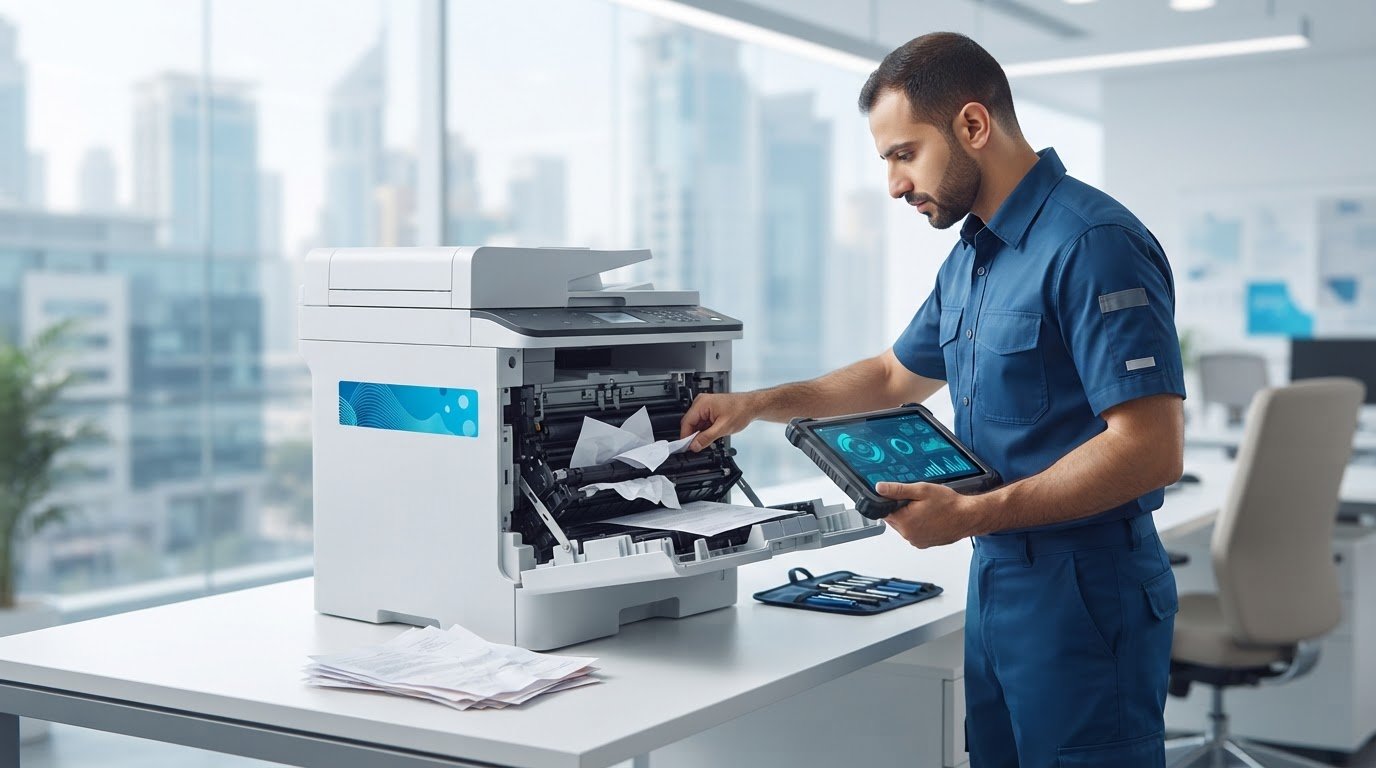
A printer fault can disrupt everyday document workflows, from invoices and delivery paperwork to internal reports. If you’re considering Kyocera printer repair in Dubai, first record exactly what the printer is doing rather than guessing which component has failed. A visible symptom is a useful clue, but it does not confirm the cause.
Use the checks below to describe the issue, not to make a definitive diagnosis. The right explanation can depend on the printer model and the result of an assessment. Kyocera’s official printer troubleshooting guide explains how to locate the Operation Guide for your exact model. Select the model in the manufacturer’s download centre, open Documents and User Manual, then consult the Troubleshooting section. For a paper jam, follow the Clearing Paper Jams instructions for the location shown on the display.
| Symptom | Accessible check |
|---|---|
| Paper-feed issue | Note where the paper stops and whether the printer reports a jam. Check only the visible paper path, following the manual for your model. |
| Unusual print quality | Keep a sample and describe the defect, such as faint, streaked or uneven output. |
| Display error | Record the complete message or code exactly as shown. Don’t guess what it means. |
| Connection or print failure | Check accessible cable connections and note whether the printer is unresponsive or the job fails to print. |
Which symptoms should prompt a repair enquiry?
Recurring feed problems, unusual output, persistent error messages and failed print jobs are good reasons to request an assessment, particularly if the issue repeats or gets worse. Record when the fault occurs and whether it affects every job or only certain print tasks. Repeated attempts to print may not resolve the underlying problem.
When should you stop troubleshooting?
Limit checks to accessible settings and the steps in the manual for your model. Don’t open internal assemblies or handle parts that aren’t intended for normal user access. If the fault continues, arrange professional printer repair. ZD Computer Trading LLC provides Kyocera printer repair in Dubai and Sharjah, along with printer spare parts and accessories for business equipment.
How Kyocera Printer Diagnosis and Repair Can Address the Fault
A clear repair enquiry gives the assessment a useful starting point. Identify the exact printer model, describe the symptom, share any evidence and arrange an assessment. This helps distinguish what the printer is showing from what may be causing it, without assuming the repair needed before inspection.
The exact model matters because the appropriate repair approach depends on the printer model and the fault observed. For Kyocera printer repair in Dubai or Sharjah, include a clear photo or short video where possible. A readable display message, a sample of unusual output or a short clip of a recurring feed problem can add practical context. If you’re also looking for other printer support, ZD provides HP printer repair.
What information helps describe a Kyocera printer fault?
Along with the model, note when the issue occurs, such as during startup, while printing or with a particular document. Record whether it returns after a normal restart, but don’t keep restarting the printer if the fault persists or worsens. Copy the complete error wording or code exactly as displayed. The original message is more useful than a guess about what it means.
How can printer parts relate to a recurring fault?
A technician may inspect relevant printer components when a symptom recurs, but the symptom alone does not establish which part, if any, needs attention. The model and observed fault guide the assessment, and the repair approach follows from those details. ZD Computer Trading LLC provides Kyocera printer repair and printer spare parts for business customers in Dubai and Sharjah. You can review information about Epson printer repair as another example of the company’s printer support.
When you have the model and fault details ready, send a printer repair enquiry to arrange the next step.
Before Booking Kyocera Printer Repair: Prepare These Details
Before requesting Kyocera printer repair in Dubai or Sharjah, gather the printer information and business details below. A focused enquiry is more actionable than a broad description such as “not working”: it shows what the printer displays or produces and when the fault happens.
What should a repair enquiry include?
- Exact model: Copy the model name or number from the printer label or display.
- Fault description: Explain what happens and when, such as during startup or while printing. Mention whether it began recently or keeps recurring.
- Error display: Record the full message or code exactly as shown, without interpreting it.
- Visual evidence: Attach a clear photo or short video of the symptom, error display or affected print output.
Keep the image focused on the printer and the relevant display. Make sure it does not reveal confidential pages, customer information or other sensitive office documents. A photo can show a fixed error or print defect; a short video may better capture a recurring sound or movement issue.
What should you prepare for an onsite business visit?
For a business service enquiry or onsite visit in Dubai or Sharjah, provide copies of the Trade License and TRN certificate, your complete office address and a Google Maps location. Include the contact person’s name and mobile number so the request can be associated with the right office and contact.
ZD Computer Trading LLC provides printer repair for business customers. You can also review the company’s office printer services for broader printer support.
Arrange Kyocera Printer Repair in Dubai or Sharjah with ZD
Once you’ve recorded the symptom and gathered the printer details, submit a focused service enquiry. ZD Computer Trading LLC is an office-technology sales, installation, maintenance and repair company providing Kyocera printer repair and spare parts for business customers in Dubai and Sharjah. The information you send gives the service assessment useful context; the fault and appropriate next steps depend on inspection.
Make your service request useful from the outset
Include the exact Kyocera model, a short description of what happens, and a clear photo or short video of the issue. For an onsite business visit, provide copies of your Trade License and TRN certificate, the complete office address and Google Maps location, plus the contact person’s name and mobile number. This information helps identify the printer and workplace connected with the request.
What to expect from a professional repair enquiry
Your description, error display and visual evidence give the service team a clear starting point for understanding the reported fault. Keep the message factual and note whether the issue recurs. These details support the enquiry, while assessment determines the repair approach. Don’t assume a particular cause, outcome or timing before the printer has been assessed.
For Kyocera printer repair in Dubai or Sharjah, contact ZD Computer Trading LLC on mobile or WhatsApp at +971 50 886 3312, or call the office landline at +971 4 393 1778.
Prepare Clear Details for Your Next Repair Step
Printer faults can interrupt routine office work, but a clear description makes the service enquiry more useful. Note what the Kyocera printer is doing, copy any displayed error message exactly and share the precise model with a clear photo or short video. These details support an assessment without assuming the cause or repair outcome.
For a business onsite visit, prepare copies of the Trade License and TRN certificate, your complete office address, Google Maps location, and the contact person’s name and mobile number. ZD Computer Trading LLC provides Kyocera printer repair and printer spare parts for business customers in Dubai and Sharjah. For Kyocera printer repair Dubai, contact the team on mobile or WhatsApp at +971 50 886 3312, or call the office landline at +971 4 393 1778. Have a Kyocera printer issue in Dubai or Sharjah? Request a Kyocera service quote and share the exact model and fault details with ZD Computer Trading LLC.
Frequently Asked Questions
Why is my Kyocera printer not printing?
A Kyocera printer may stop printing because of a connection issue, a paused or incorrect print job, a paper-feed problem or a displayed fault. Check accessible settings and connections, and follow the manual for your model. If printing still fails, note what happens, record any message and share the exact model when requesting an assessment.
What should I do if my Kyocera printer keeps showing an error?
Record the full error message or code exactly as it appears, then refer to the manual for your specific model. Avoid guessing what the code means or repeatedly restarting the printer if the fault continues. If the message returns or printing remains affected, provide the model and a clear photo of the display for a professional assessment.
Can a Kyocera printer with paper-feed or print-quality problems be repaired?
Yes. Kyocera printers with paper-feed or print-quality problems can be assessed for repair. The visible symptom does not confirm the cause, which can depend on the model and the fault observed. Keep a sample of affected output or note where the paper stops, and share those details when arranging service. Don’t open internal assemblies to investigate the issue yourself.
What information should I send when requesting Kyocera printer repair in Dubai?
For Kyocera printer repair Dubai, provide the exact model, a short description of the fault and the complete error message or code, if one appears. Attach a clear photo or short video showing the issue, and note when it occurs or whether it repeats. For an onsite business visit, include your office address and Google Maps location, the required business documents and the contact person’s details.
Does ZD Computer Trading provide Kyocera printer repair in Sharjah?
Yes. ZD Computer Trading LLC provides Kyocera printer repair and printer spare-parts services for business customers in Sharjah and Dubai. Share the exact printer model and a clear photo or short video of the fault to describe your request. For an onsite business visit, include your complete address and Google Maps location, along with the required business and contact-person details.
Service information
This article provides general information. Diagnosis, parts availability, pricing, warranty and repair options depend on the device model, condition, inspection findings and service location. Contact ZD Computer Trading LLC for a confirmed assessment and quotation.
