
IP Phones, Laptop Repair, Networking, Printer Repair
Adding New Staff? Get Your Office Printers, IP Phones and Computers Ready
Nov
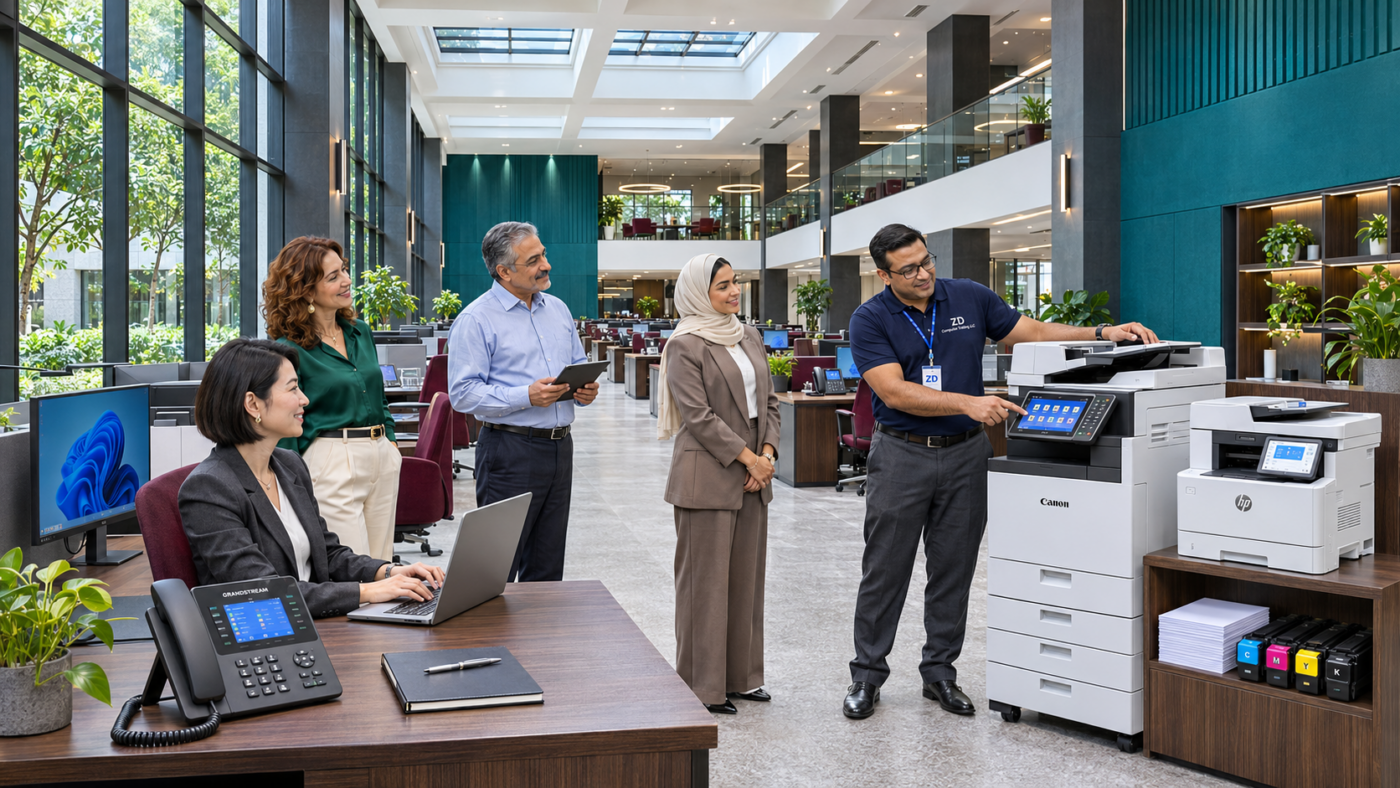
A new employee’s first morning should begin with useful work, introductions and training. It can quickly become frustrating when the laptop cannot print, the desk phone has no assigned extension or nobody knows which toner the office printer requires.
Preparing equipment before the joining date gives your team time to identify existing faults, arrange the necessary setup and explain how shared devices work. For businesses expanding in Dubai and Sharjah, a simple desk-by-desk checklist is a practical starting point.
1. Make printer readiness the first check
Start with the shared printer your new colleagues will use. Print a sample document and inspect the output. Record any recurring paper jams, unusual noises, missing colours or messages on the display so existing problems can be assessed before more employees depend on the machine.
Next, arrange printer access on each new computer. A successful print from an existing workstation does not confirm that a newly assigned laptop has been set up. HP’s setup guidance includes adding the printer through the appropriate software or operating-system settings and installing drivers where required.
Finish with a test print from the employee’s actual computer. Where the machine supports scanning or automatic double-sided printing, include those functions in the handover according to the employee’s needs.
ZD Computer Trading can assess printer faults and assist with printer setup as part of preparing the office.
2. Plan IP phones around each employee’s role
Write down the employee name, department, intended extension and desk location before configuring additional phones. For Yeastar SIP extensions, the extension must be registered on an IP phone or softphone before it can be used to make and receive calls.
Decide what each role needs. A regular staff member may need straightforward calling and transfer functions, while a manager or receptionist may want easier access to several colleagues’ extensions. Confirm these requirements before selecting the handset.
Share your existing PBX and phone model numbers so compatibility and the proposed extension arrangement can be checked. After configuration, test internal calls, relevant incoming and outgoing calling, and call transfers. Give the employee a short demonstration of the functions they will use.
3. Prepare laptops and desktops for everyday work
Check both new equipment and computers being reassigned. List the applications, peripherals and shared devices the employee is expected to use, together with any existing faults.
A practical handover check should cover startup, keyboard and mouse operation, display connections, network access and printing. For laptops, include the charger and any required docking or display accessories.
If a computer freezes, shuts down unexpectedly or has a damaged screen, arrange an assessment before handing it over. ZD Computer Trading provides laptop and desktop troubleshooting and repair support alongside office equipment setup.
4. Match toner supplies to the exact printer
Keep a clear record of each printer model and its required cartridge reference. When requesting toner, send a photograph of the printer’s model label and the current cartridge label, together with the colours and quantities required.
This gives the supplier the details needed to check the request. Include any print-quality concerns separately so a possible repair requirement can also be assessed.
5. Check the desk connections and complete the handover
Confirm the available network connections, power arrangements and cable routes at each new desk. Report missing connections before the equipment is moved into place.
Keep one handover list showing the assigned computer, phone extension, printer access and any unfinished work. Ask the employee to demonstrate a print job and a call transfer before closing the setup task.
Planning new staff or additional desks? Contact ZD Computer Trading LLC. For a quotation, share your full company name, trade licence copy, TRN certificate if applicable, complete office address, Google Maps location, contact person and mobile number. Include the quantities and exact equipment models. Onsite service is available in Dubai and Sharjah.
