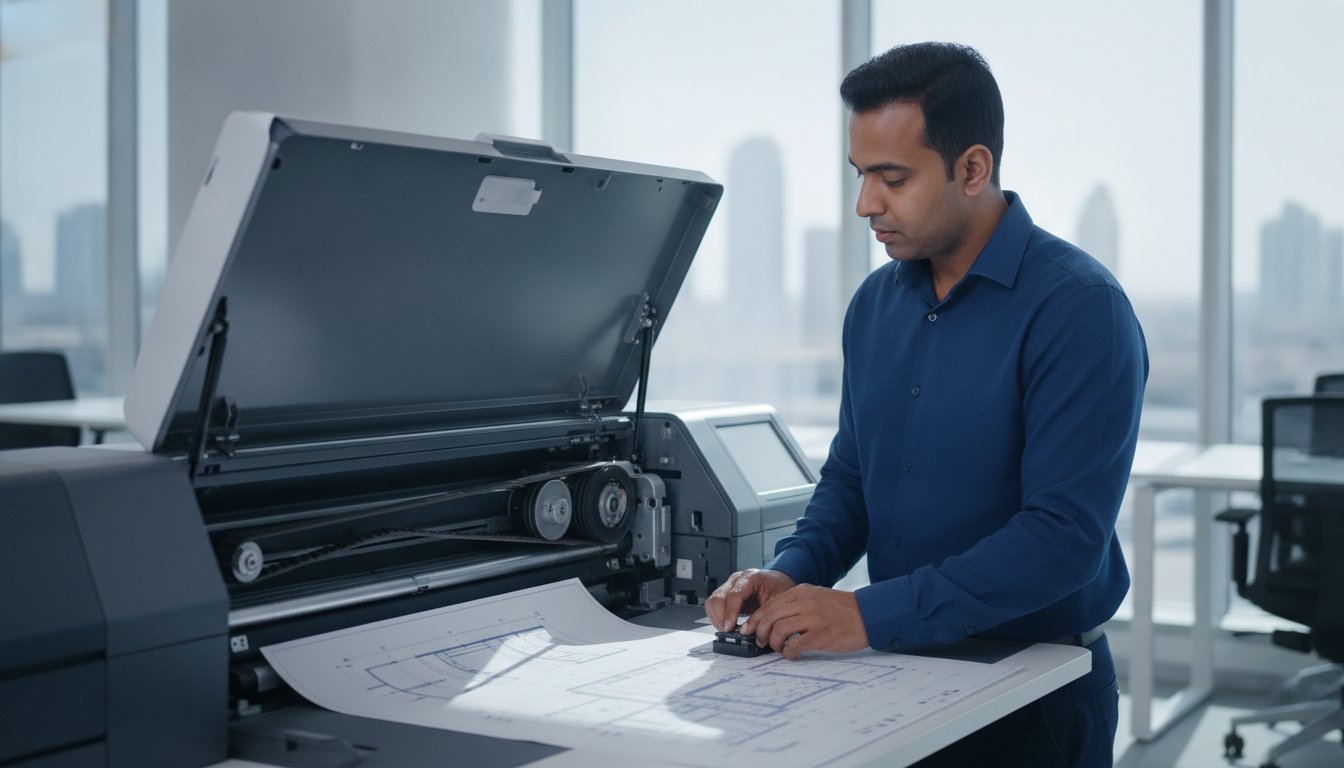
In the demanding environment of the UAE, your HP DesignJet isn’t just fighting mechanical wear; it’s battling a constant influx of fine dust and extreme heat that can cripple a project in minutes. We understand that for architectural and engineering firms in Dubai and Sharjah, a malfunctioning plotter is more than a technical glitch. It’s a costly disruption that halts workflow and delays critical deliveries. Finding an expert for HP DesignJet plotter repair Dubai who understands these specific environmental challenges is essential for maintaining consistent uptime and protecting your investment.
This article provides a professional roadmap to identifying common faults and accessing reliable repair services to get your operations back on track. We’ll examine how to diagnose recurring sensor failures, source genuine spare parts, and implement maintenance strategies that protect your hardware from the regional climate. By understanding the root causes of carriage belt wear and paper jams, you can move from reactive troubleshooting to a state of operational stability.
Key Takeaways
- Understand how regional environmental factors like fine dust impact optical sensors and carriage paths in large-format printers.
- Learn to interpret common HP system error codes to distinguish between simple paper jams and complex mechanical failures.
- Discover actionable maintenance routines for cleaning and ink storage that help prevent printhead clogging and hardware degradation.
- Secure professional HP DesignJet plotter repair Dubai to access genuine spare parts and restore your office productivity through expert onsite diagnostics.
Common HP DesignJet Faults in the UAE Environment
Plotter repair is the specialized mechanical and electronic restoration of large-format printers, a process that’s far more intricate than standard desktop maintenance. In the UAE, particularly within construction and engineering hubs, these machines face unique environmental stressors. High-stakes projects depend on the precision of these devices, yet many businesses find that standard technicians often struggle with the DesignJet’s complex belt systems and calibration requirements. Professional HP DesignJet plotter repair Dubai ensures that these high-performance machines are restored using precise diagnostic methods tailored to the regional climate.
Dust and Sand: The Silent Killers of Plotter Sensors
Debris and fine desert dust represent a primary cause of hardware failure in Dubai and Sharjah offices. When particles accumulate on optical sensors or the encoder strip, the machine loses its ability to track the carriage position accurately. You might encounter System Error 21:10, which often signals that debris has clogged the service station. Regular cleaning of the encoder strip is vital for units stationed in Sharjah construction offices, where airborne particles are more prevalent. Without this care, the plotter’s precision degrades, leading to misaligned prints or total system lockouts.
Heat-Induced Belt Degradation
High ambient temperatures in the UAE significantly impact internal components. Excessive heat alters ink viscosity, which can lead to printhead health issues, but the most visible victim is the carriage belt. Over time, heat makes the rubber brittle, causing it to fray or snap. If you notice small black rubber shavings inside the machine casing or receive System Error 86:01, your belt’s likely failing. Replacing these components with genuine HP spare parts is the only reliable way to ensure long-term operational stability.
Diagnostic Guide for HP DesignJet Error Codes
Interpreting the numeric codes on your plotter’s display is the first step toward a resolution. While a paper jam might seem like a minor inconvenience, it’s often confused with a mechanical carriage failure. Distinguishing between these requires a methodical approach. If a simple restart doesn’t clear the screen, you’re likely facing a hardware failure rather than a temporary firmware glitch. For businesses seeking HP DesignJet plotter repair Dubai, communication errors often point to the formatter board, which acts as the primary data hub for your device.
Top 5 DesignJet Error Codes Explained
Understanding the most frequent alerts helps office managers in Dubai prioritize their repair needs. Error 86:01 typically indicates a carriage movement issue, often caused by a worn belt or a physical obstruction along the scan axis. In contrast, Error 21:10 signals a failure in the service station, where the machine’s cleaning and capping mechanisms have become jammed by ink sludge or debris. Error 11:10 is a trailing cable connection issue often caused by vibration.
Evaluating Repair vs. Replacement Costs
Deciding whether to invest in a five-year-old plotter requires a clear framework. If the fault lies with the formatter board, the cost of the part and labor must be weighed against the machine’s remaining lifecycle. Since ZD Computer Trading LLC maintains a local stock of HP printer spare parts, lead times are significantly reduced for businesses in Sharjah and Dubai. For many architectural firms, a professional diagnostic is the most cost-effective way to determine if a repair will yield another three years of service. If you’re unsure about the severity of a system alert, you can request a professional technical assessment to avoid unnecessary downtime.
Onsite Plotter Maintenance Best Practices
Proactive care is the most effective way to extend the lifespan of your large-format hardware. For engineering firms in Dubai, where project deadlines are rigid, an Annual Maintenance Contract (AMC) offers a structured safety net. These agreements ensure regular professional inspections that identify wear before it leads to a total system shutdown. While professional HP DesignJet plotter repair Dubai is always available for critical failures, routine onsite habits significantly reduce the frequency of these interventions.
Step-by-Step Plotter Cleaning Routine
Cleaning the encoder strip is a delicate but essential task. Use a lint-free cloth dampened with water to gently wipe the strip; don’t use alcohol or solvents that can erase the fine timing markings. Lubricating the carriage rail is equally important for smooth operation. In the UAE’s high-temperature environment, you should only use a light synthetic oil specifically recommended for plotter rails to ensure the carriage slides without attracting excessive grit.
Managing Plotter Consumables
Using high-quality paper is a simple way to prevent internal dust buildup, as cheaper rolls often shed fibers that clog optical sensors. Similarly, managing your ink supply is vital for printhead health. Expired ink cartridges can change in viscosity, leading to clogs that are expensive to rectify. Sourcing genuine printer accessories in Dubai ensures that your consumables meet the manufacturer’s exact specifications and protect your hardware’s internal components.
Professional Plotter Repair Services in Dubai and Sharjah
ZD Computer Trading LLC provides a specialized technical bridge between general IT support and the complex mechanics of large-format printing. Our approach to HP DesignJet plotter repair Dubai is built on the understanding that architectural and engineering firms can’t afford prolonged downtime. We focus on providing meticulous onsite diagnostics that address the root cause of hardware failures. By maintaining a steady inventory of genuine HP DesignJet components, such as carriage belts, trailing cables, and carriage assemblies, we ensure that your repairs are completed with high-quality parts that match manufacturer standards.
Our service model is designed to integrate seamlessly with your broader office infrastructure. Whether you require assistance with your printing fleet or a new IP phone installation, we act as a versatile partner for your technological needs. This comprehensive perspective allows your procurement team to streamline vendor management while maintaining high operational standards across all departments.
Onsite Support in Dubai and Sharjah
We provide direct onsite assistance across key commercial hubs, including Deira, Bur Dubai, and the Sharjah Industrial Areas. To ensure a prompt and efficient visit, it’s helpful to have your machine’s serial number and any displayed system error codes ready before the technician arrives. This preparation allows our team to categorize your needs and bring the specific diagnostic tools required for your model. Our technicians provide expert HP DesignJet plotter repair Dubai for firms needing immediate diagnostic support for their large-format devices.
Comprehensive Office Technology Support
Bundling your plotter maintenance with general printer service improves efficiency and reduces the logistical burden on your IT department. We provide a single point of contact for repairs, spare parts, and annual maintenance contracts. If you’re experiencing hardware issues or need a reliable diagnostic, contact ZD Computer Trading LLC at +971 50 886 3312 or 04 393 1778 for professional plotter support in Dubai and Sharjah.
Restoring Operational Excellence to Your Printing Workflow
Maintaining a high-performance plotter in the UAE requires a proactive approach to environmental challenges and mechanical wear. By identifying common error codes early and adhering to a strict cleaning schedule, your business can avoid the high costs of unexpected downtime. ZD Computer Trading LLC provides the specialized expertise and local spare parts stockist support needed to keep your large-format devices running at peak precision. Our team of specialized HP and Canon technicians focuses on delivering reliable onsite service across Dubai and Sharjah.
Whether you’re dealing with a frayed carriage belt or a complex sensor failure, professional HP DesignJet plotter repair Dubai ensures that your hardware is restored using manufacturer-approved standards. We understand the pressure of architectural and engineering deadlines, which is why we prioritize accurate diagnostics and efficient part replacement. Securing the reliability of your office technology allows your team to focus on their core project deliverables without the distraction of hardware failure.
We’re ready to help you maintain the high operational standards your business deserves. Contact us today at +971 50 886 3312 to discuss your maintenance or repair needs.
Frequently Asked Questions
How much does HP DesignJet plotter repair cost in Dubai?
Repair costs are determined by the specific fault, required spare parts, and the model of your DesignJet. Since every case is unique, we provide a detailed technical assessment to identify the root cause before proceeding. For a professional HP DesignJet plotter repair Dubai evaluation, our technicians visit your premises to inspect the hardware. This ensures you receive a precise quote tailored to your specific technical requirements and operational needs.
Can you replace the carriage belt on-site at our office in Sharjah?
Yes, we provide onsite plotter repair services for businesses throughout Sharjah, including the Industrial Areas. Our technicians arrive equipped with the necessary tools to perform carriage belt replacements directly at your office to minimize downtime. This onsite capability allows your team to maintain workflow continuity while we handle the specialized mechanical restoration. Having your plotter’s model and serial number ready helps us ensure the correct belt is dispatched for your visit.
What should I do if my plotter shows System Error 86:01?
System Error 86:01 indicates a carriage movement problem, often caused by a worn belt, an obstruction, or a lack of rail lubrication. You should first power off the machine and check the scan axis for visible paper scraps. If the error persists after a restart, it usually signals a mechanical failure requiring professional intervention. Our team can perform a diagnostic to determine if a belt replacement or carriage assembly repair is necessary.
Do you provide spare parts for older HP DesignJet models?
We maintain a comprehensive stock of spare parts for various HP DesignJet generations, including legacy models used by local firms. Our inventory includes carriage belts, trailing cables, encoder strips, and service stations. By sourcing these components locally, we reduce lead times associated with international shipping. If your older plotter requires a specific part for HP DesignJet plotter repair Dubai, we can verify our current stock levels to facilitate a quick restoration.
How often should a plotter be serviced in a dusty environment?
In high-dust environments like Sharjah construction offices, we recommend a professional maintenance check every six months. Frequent servicing protects sensitive optical sensors and prevents debris from accumulating on the carriage rail or encoder strip. Regular inspections under an Annual Maintenance Contract (AMC) are particularly effective for engineering firms. These scheduled visits allow us to clean internal components and lubricate mechanical parts before environmental stressors lead to a system failure.