
Uncategorized
HP DesignJet Plotter Repair in UAE: Common Faults and Professional Solutions
Sep
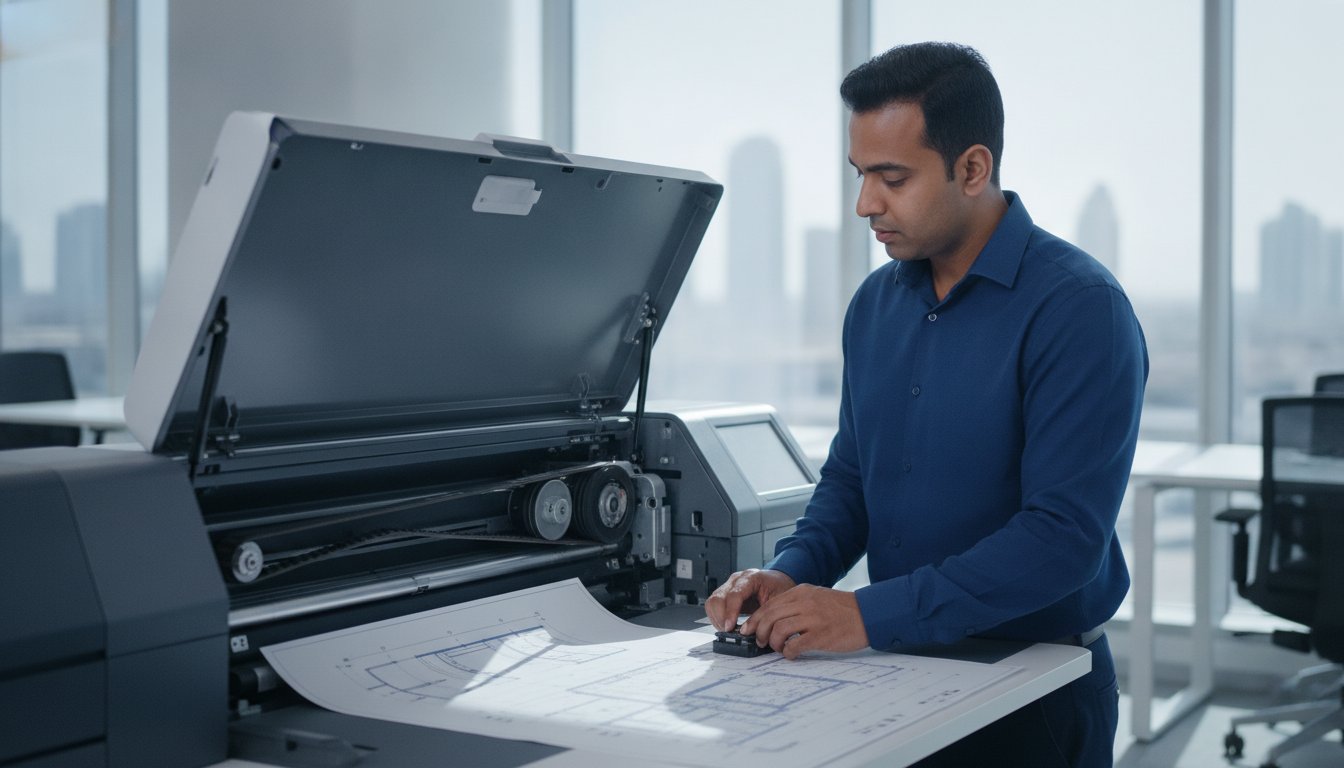
For businesses needing HP DesignJet plotter repair in UAE, the first step is to identify the exact model and record the fault. A paper-feed problem, error message or poor print result does not by itself establish which part needs replacing. This guide explains what to record, what to check in the model’s user guide and how to request an inspection and written quotation.
Key takeaways
Send the model, serial number, error message and a photo or short video of the problem.
Use the instructions for the exact DesignJet model; error codes and maintenance procedures are model-specific.
Do not order a belt, printhead, cable or board based only on an error code.
Confirm part compatibility, availability, repair scope and price in writing after inspection.
Record the fault before arranging a visit
Note when the problem happens: during start-up, when loading a roll, at the start of a print or part-way through a job. Record whether it affects every document or only one file, computer or paper type. Photograph the complete display message rather than writing down only part of the code.
For paper-feed issues, note the paper type, roll width and where the sheet stops. For poor print quality, keep a sample showing the affected area. If the printer makes an unusual noise, stop the job and provide a short recording if this can be done without running the machine again.
Check error messages against the exact model
Codes such as 86:01, 21:10 or 11:10 should be reported together with the model and full message. This article does not assign a universal diagnosis to these codes. Consult the relevant HP documentation and let the technician confirm the cause before recommending replacement parts.
A persistent fault after a restart is not proof that a particular circuit board or mechanical component has failed. Follow only the restart or troubleshooting steps described in the user guide. If the machine reports a fault again, record it and arrange an assessment instead of repeatedly restarting or forcing moving parts.
Safe checks and routine care
Check the paper and ink requirements in the model’s user guide and follow any on-screen loading instructions. Keep the work area clear and follow the specified operating and storage conditions. If there is visible contamination or unusual wear inside the printer, photograph it for the technician.
Do not apply generic cleaning or lubrication advice to every DesignJet. Encoder strips, rails, sensors and service stations have model-specific procedures. Do not add oil, water, solvents or other cleaning products unless the applicable manufacturer instructions specify the product and method. Leave internal servicing and dismantling to an appropriate technician.
Maintenance frequency should reflect the model, usage, site conditions and manufacturer’s guidance. An inspection can help establish a suitable schedule; a fixed interval is not appropriate for every office or construction site.
Compare repair and replacement after inspection
A useful repair quotation should identify the diagnosed fault, recommended work, exact compatible parts and labour. It should state any relevant warranty terms, exclusions, expected lead time and taxes. Ask for alternatives where parts availability or the condition of the machine makes repair uncertain.
Compare the proposed repair with your printing requirements and the cost of a suitable replacement. A repair cannot guarantee another fixed number of years of service. Consider the condition of the complete machine, expected workload and availability of future support.
For printer spare parts enquiries, send the complete model and available part information. ZD will confirm compatibility and current availability before quotation. This page does not promise that every DesignJet part is held locally or available for immediate fitting.
Arrange plotter support in UAE
ZD Computer Trading LLC provides printer and plotter repair support for businesses in UAE. The proposed work, visit arrangements and whether a repair can be completed onsite depend on the model, inspection findings, parts and access requirements. Confirm these arrangements with the team before booking.
To request an inspection, send your company Trade License/TRN details, full address and Google Maps location, contact person’s name and working mobile number, plus the plotter model, fault description and a photo or short video. The repair quotation follows inspection and confirmation of the work required.
For related services, see HP printer repair and printer repair and maintenance.
Frequently asked questions
How much does HP DesignJet plotter repair cost?
The price depends on the model, diagnosed fault, compatible parts and labour. Request an inspection and written quotation; this article does not provide a fixed repair price.
Can the carriage belt be replaced at our UAE office?
Onsite feasibility must be confirmed after reviewing the model, fault and site access. The technician should first establish whether the belt needs replacing and which part is compatible. Parts availability and the visit schedule are confirmed separately.
What should I do when an error code appears?
Photograph the complete error message and model label. Follow the user guide for that model and stop if the suggested user-level checks do not resolve the problem. Do not infer a failed part from the code alone.
Are parts available for older DesignJet models?
Availability varies by model and component. Share the exact model and fault so ZD can check compatible options, current availability and lead times before a quotation is issued.
Can I clean or lubricate internal parts myself?
Only perform user maintenance explicitly described in the applicable manufacturer instructions. Internal cleaning, lubrication and dismantling should not be attempted using generic advice for a different model.
Request a plotter inspection
Contact ZD Computer Trading LLC for UAE enquiries. Mobile/WhatsApp: +971 50 886 3312. Office landline: 04 393 1778. Share the model and fault details so the team can review your requirements.
Service information
This article provides general information. Diagnosis, parts availability, pricing, warranty and repair options depend on the device model, condition, inspection findings and service location. Contact ZD Computer Trading LLC for a confirmed assessment and quotation.
